Smart Set
™
Dial (cont.)
Section 2A
Smart Set
™
Dial
Section 2A Page 3
Custom Settings
Besides using the seven preset material settings, you can also take advantage of the Custom setting for
even greater flexibility when working with various materials. Under the Custom setting in
Cricut Design Space
™
, you can select from predefined settings or create your own.
Using preset custom materials
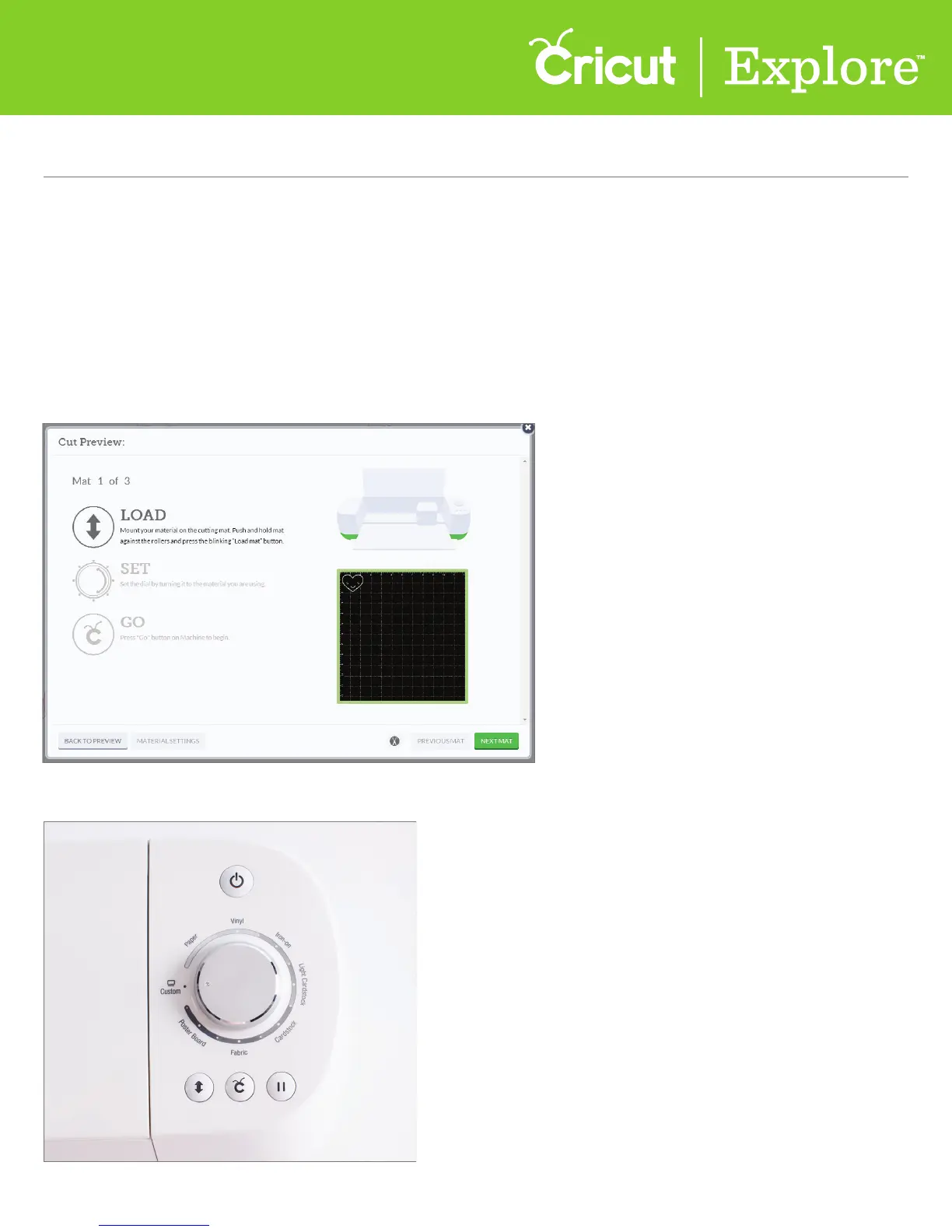
Step 1 Once your project in Cricut Design Space
™
is ready to cut, click “Go.” From the Cut Preview
window, follow the prompts to load your cutting mat into the machine.
Step 2 Turn the Smart Set
™
dial on the Cricut Explore
®
machine to the Custom setting.















 To Next Page