Upgrade your purchase to a subscription
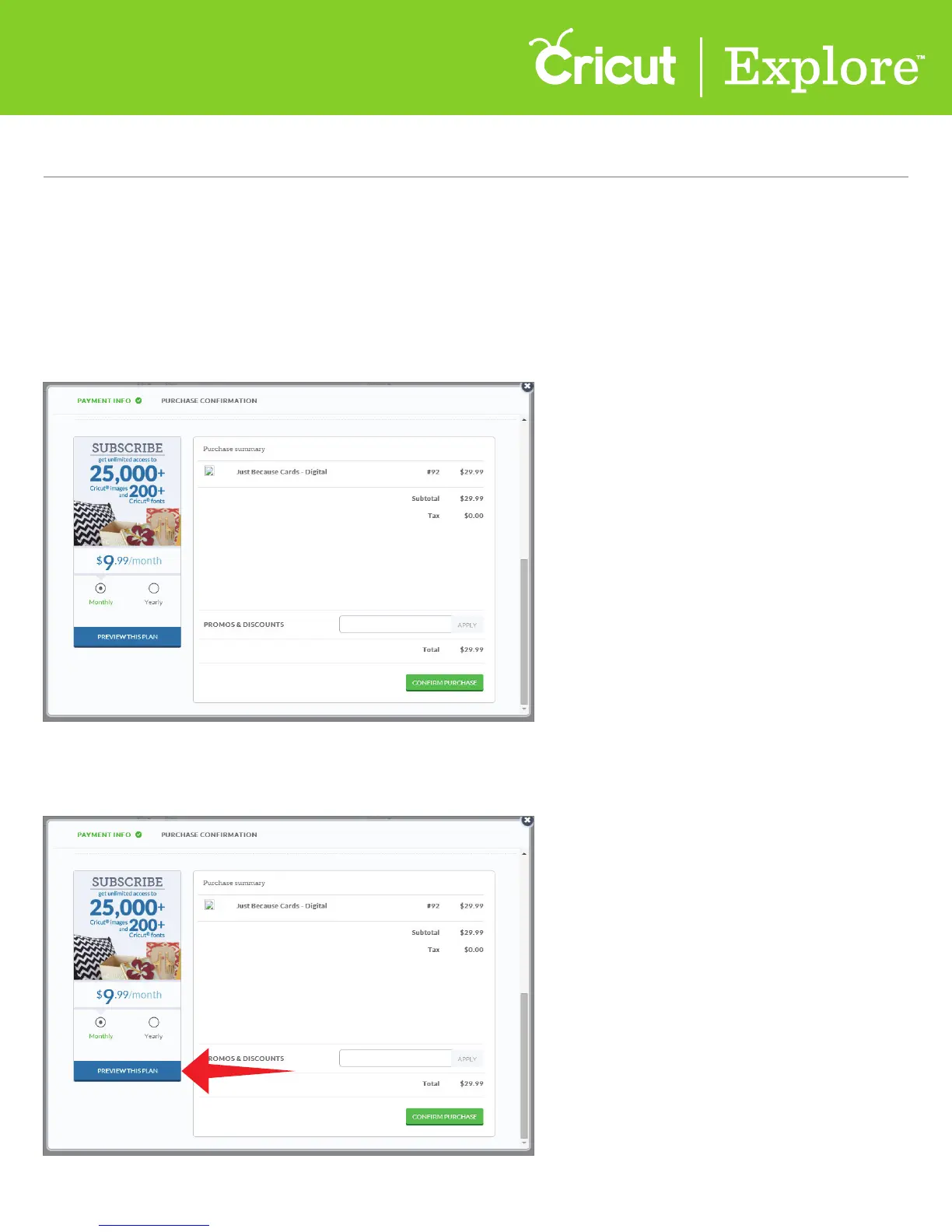
Step 1 To preview and possibly upgrade your purchase to a subscription, create a project and go to the
payment screen.
Step 2 Before clicking the “Confirm Purchase,” click “Preview This Plan” to see how the
subscription will aect your purchase price.
The low cost of subscription plans often make them less expensive than purchasing images individually.
You can review your order then preview the subscription plan to see which option works best for you.
Section 13D
Purchasing Images - Upgrade Your Purchase
Section 13D Page 1
Purchasing Images (cont.)















 To Next Page