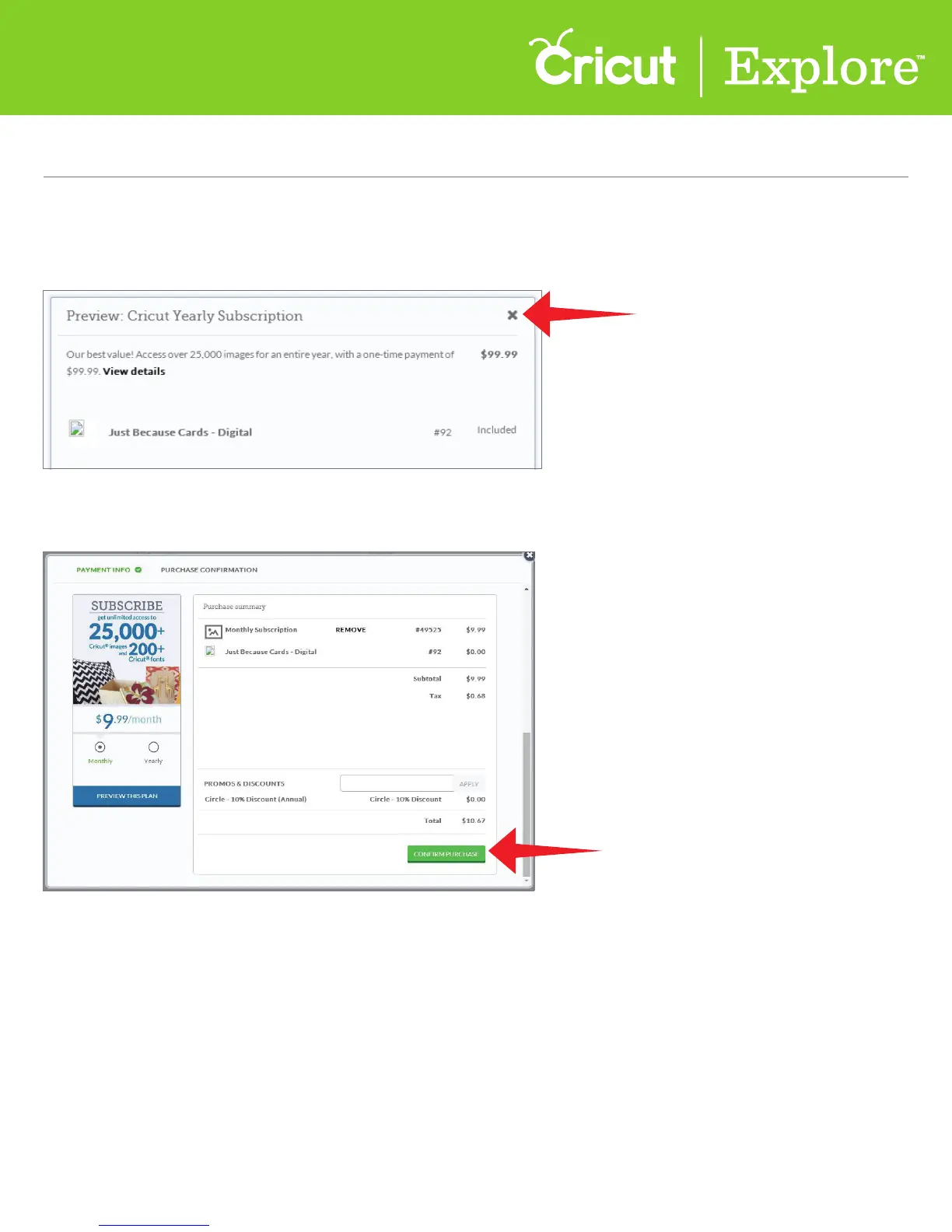
Step 3 If you would like to purchase the subscription, click on the green “Add Subscription” box.
If you want to proceed with your original purchase, click on the “x” at the top right corner of the
purchase summary.
Step 4 To complete an upgrade to a subscription, click on the green “Confirm Purchase” box.
Section 13D
Purchasing Images - Upgrade Your Purchase
Section 13D Page 2
Purchasing Images (cont.)















 To Next Page