Section 13A
Purchasing Images - Single Images
Section 13A Page 1
Purchasing Images
Find and purchase single images, image sets, or the subscription plan in Cricut Design Space
™
. You can
design without purchasing an image; however, you must purchase the image prior to cutting.
Single images
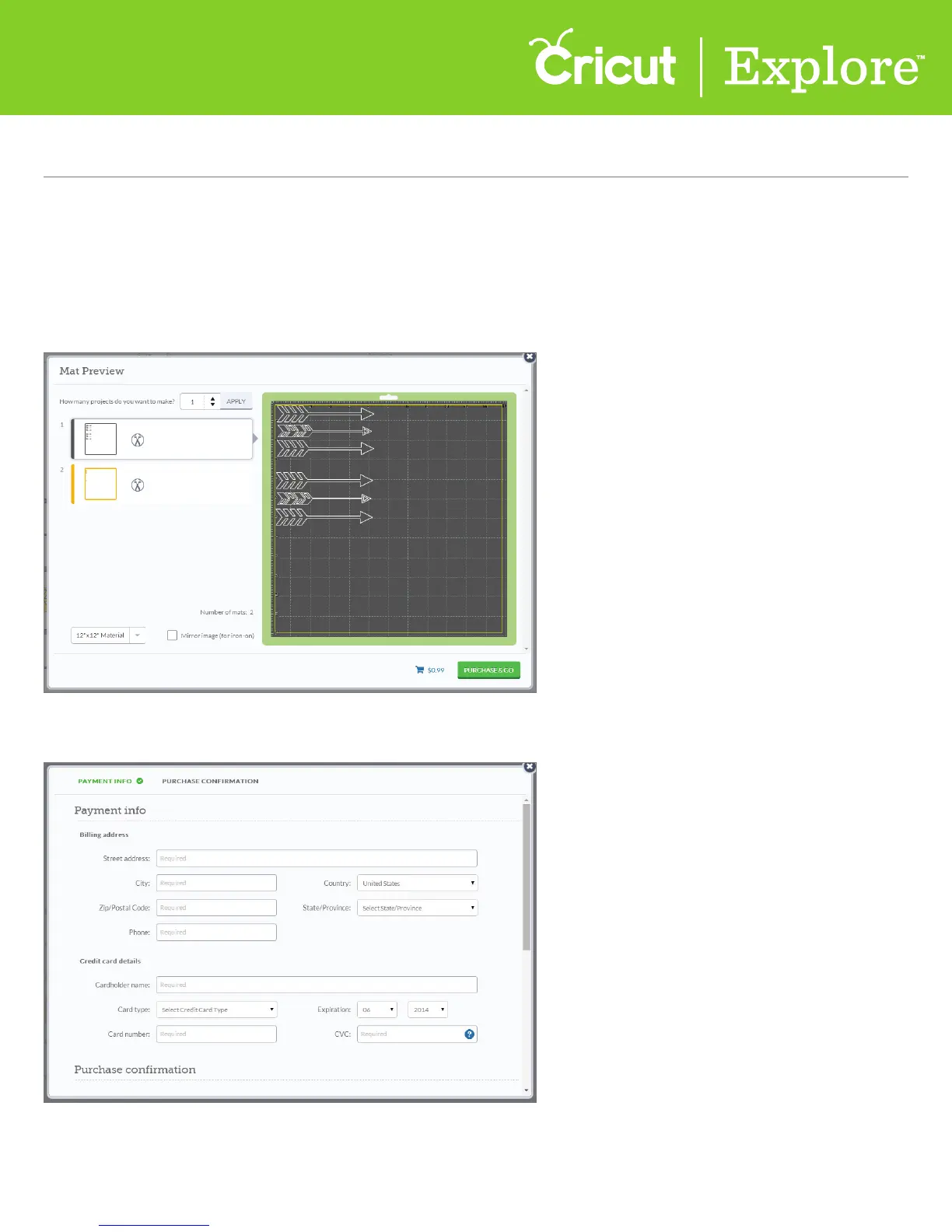
Step 1 From the mat preview screen, you’ll see a cart symbol with the total amount of your purchase.
Click “Purchase & Go.”
Step 2 If you haven’t already, enter your payment information. Cricut Design Space will save your
information for future purchases.
Tip: You can change your information any time. In Cricut Design Space™, click on teh green account
button and select “Account Details” from the drop-down menu.















 To Next Page