Smart Set
™
Dial (cont.)
Section 2B
Smart Set
™
Dial - Custom Settings
Section 2B Page 1
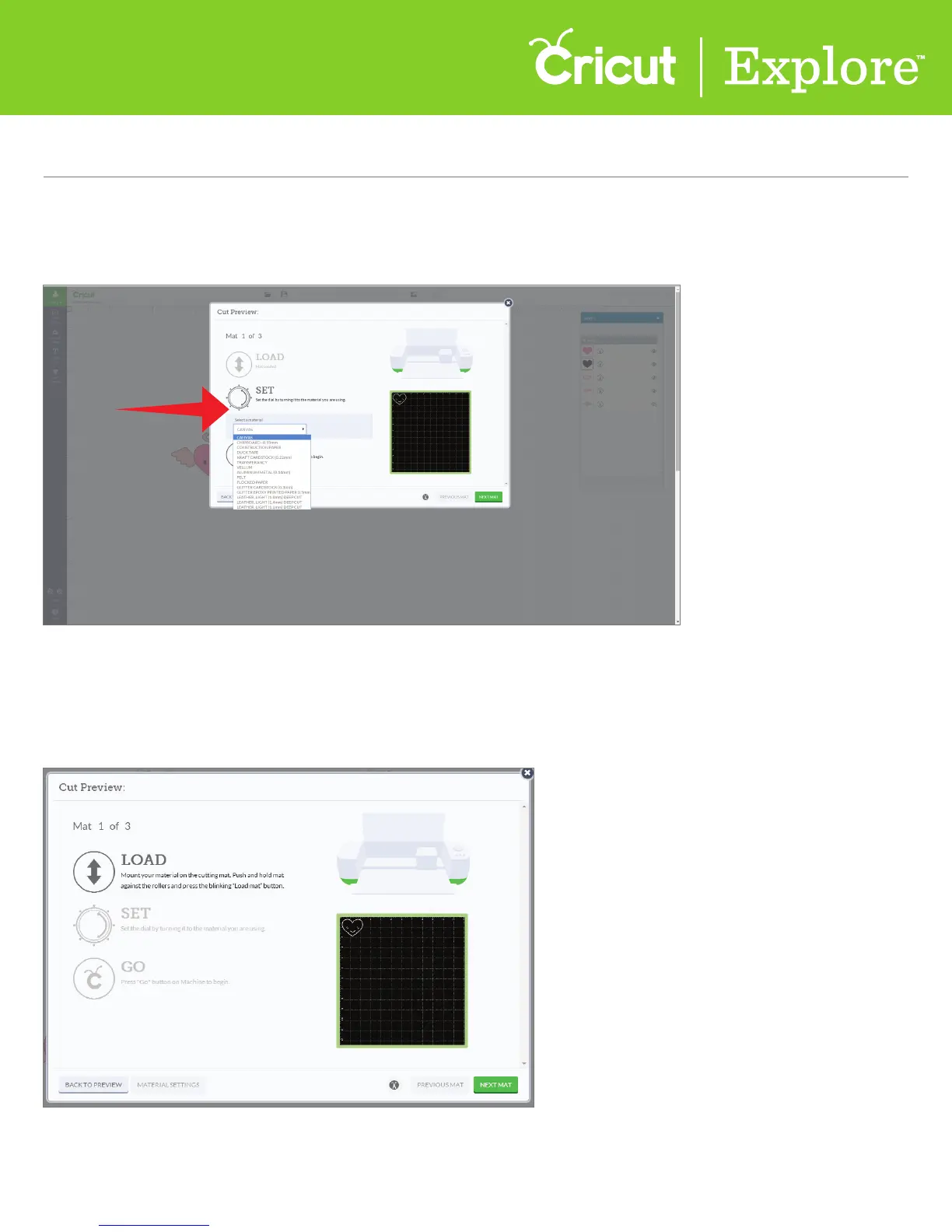
Step 3 In Cricut Design Space
™
, use the Select a Material drop-down menu to see a list of preloaded
custom materials. If your material is on the list, select it and then press “Go” on your
Cricut Explore
®
machine.
Adding new custom materials
Step 1 Once your project is in the Cricut Design Space
™
ready to cut, click “Go.” From the Cut Preview
window, follow the prompts to load your cutting mat into the machine.















 To Next Page