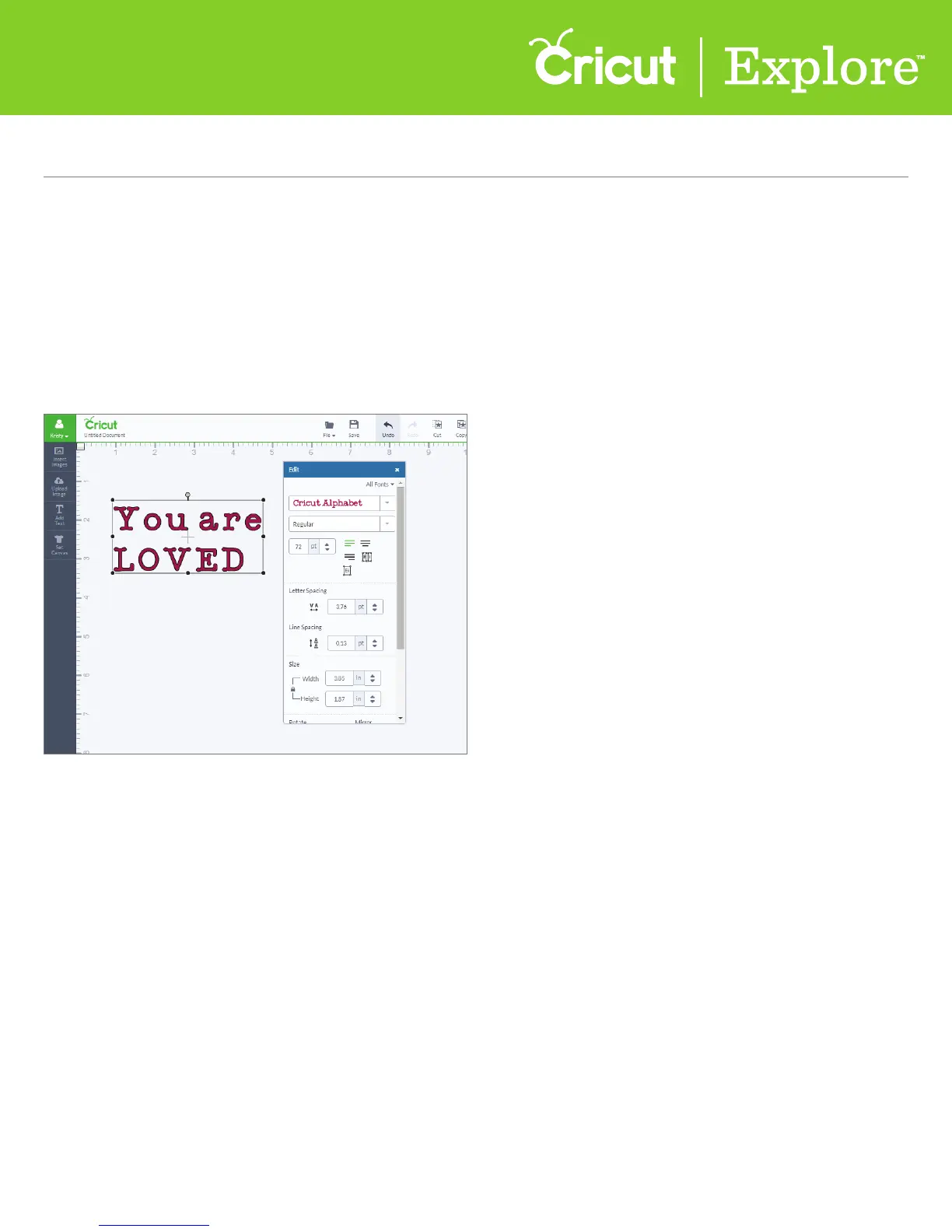
The Edit panel in Cricut Design Space
™
is very similar to the Image Edit panel when it comes to sizing,
rotating, and positioning text. It also makes finding the right font and editing text simple so you can
easily personalize your projects.
Editing text
Step 1 To locate a font style perfect for your project, add text to your project and open the
Edit panel.
Section 8B
Working with Text/Edit Panel -Editing Text
Section 8B Page 1
Working with Text/Edit Panel (cont.)















 To Next Page