Section 7C Page 3
Section 7C
Working with images/Edit panel - Rotate/Mirror/Position
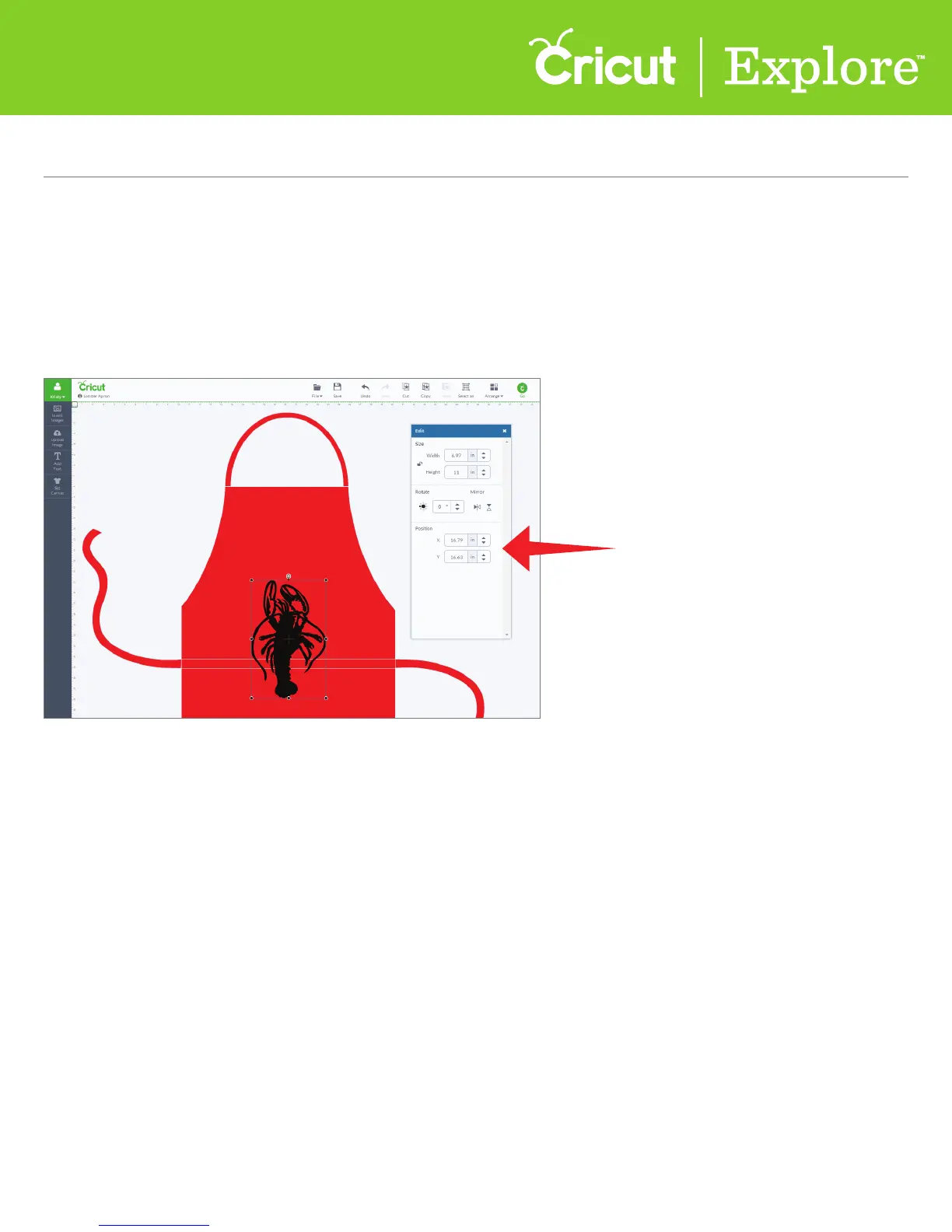
Positioning images
Step 1 Choose where on the canvas you would like your image set. Position is always measured from
the top left corner of the design space to the top left corner of the bounding box.
Step 2 In the edit panel, type in a specific measurement for exact placement.
Working with images/Edit panel (cont.)















 To Next Page