Section 7C Page 1
Working with images/Edit panel (cont.)
Section 7C
Working with images/Edit panel - Rotate/Mirror/Position
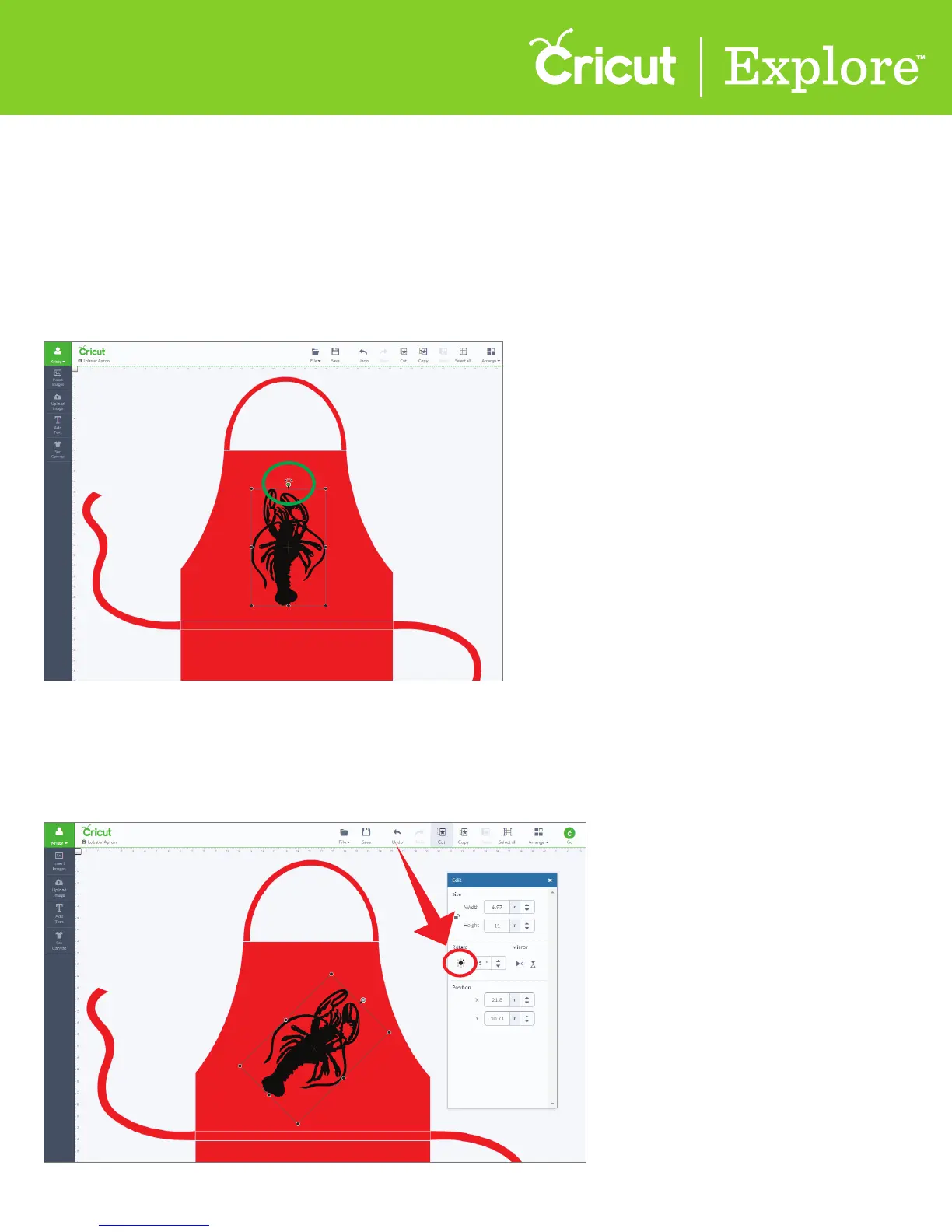
Rotate an image
Option 1 The top handle bar lets you rotate your image in any direction.
Option 2 In the Edit panel, the circle surrounded by smaller circles allows you to rotate the image to
set points, such as 45° or 90°. Click on one of the small outer circles and your image will rotate to that
set point.
There are several dierent ways to rotate an image.















 To Next Page