Section 8A
Working with Text/Edit Panel - Adding Text
Section 8A Page 1
Working with Text/Edit Panel
Cricut Design Space
™
makes it easy to personalize your project using text, and dierent fonts. You can
use Cricut
®
fonts or system fonts found on your computer.
Adding text
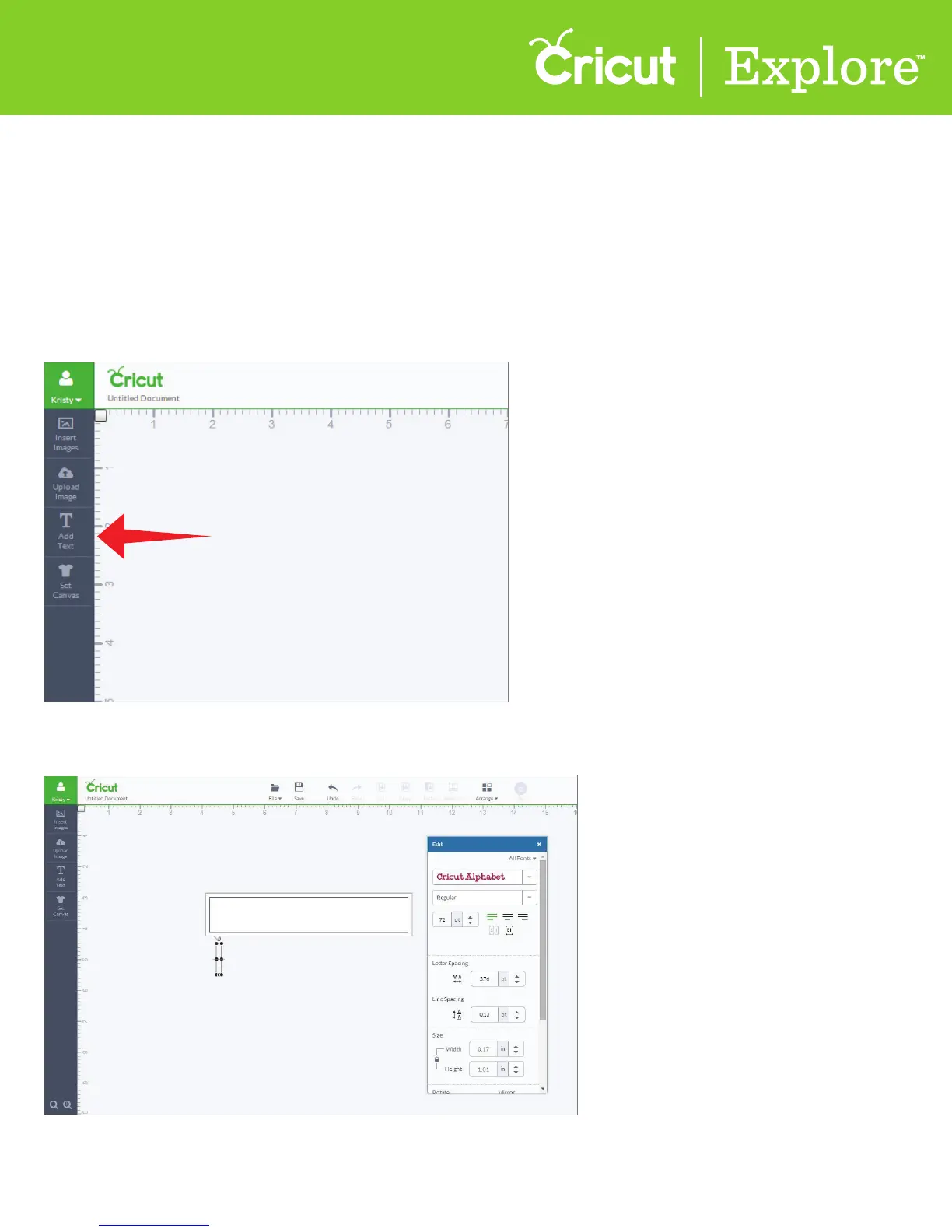
Step 1 Insert text onto your canvas by clicking the “Add text” button.
A new text box with a text field will appear on the canvas and the edit panel will open.















 To Next Page