The Cricut Design Space™ Image Library features a filter system which can help you quickly locate
specific images.
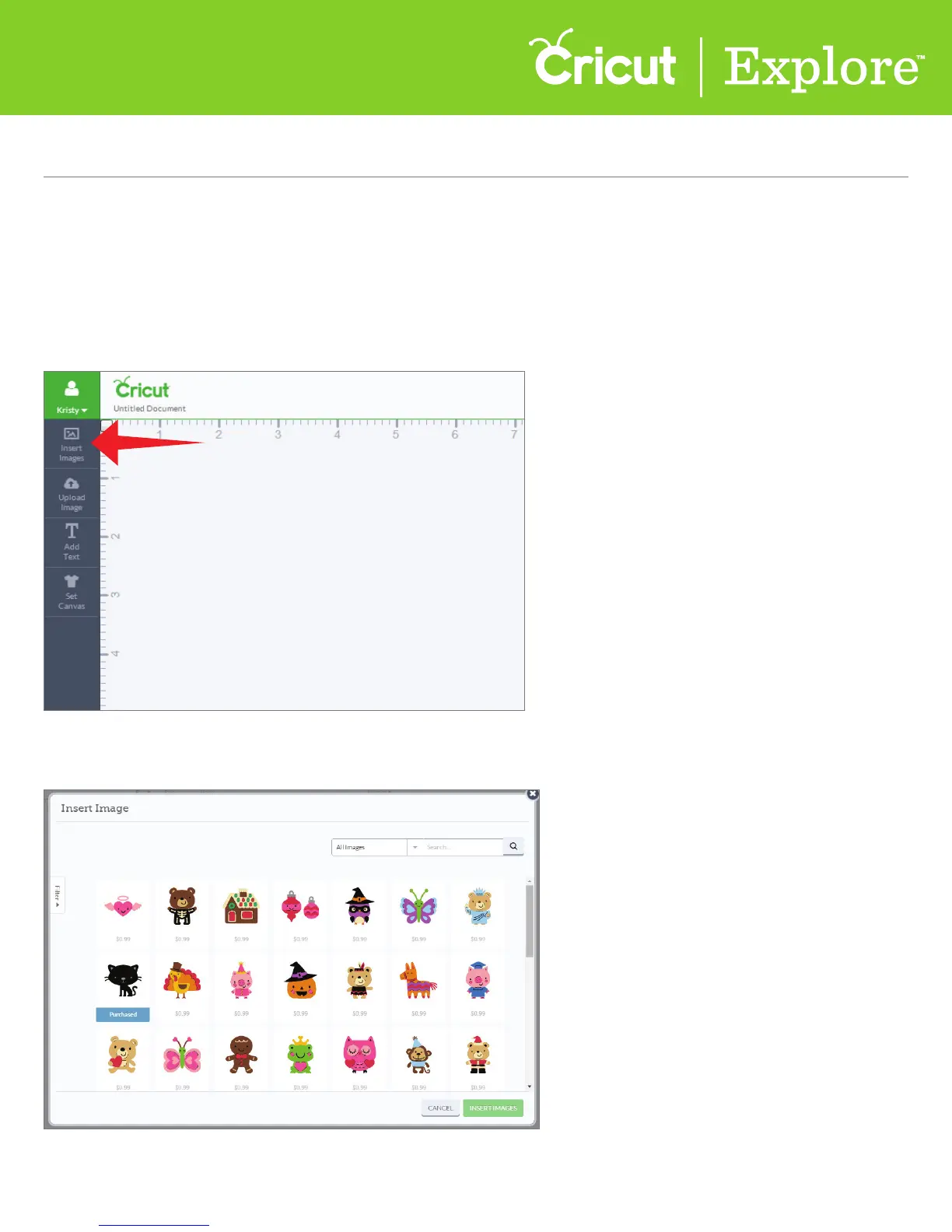
A new window will open containing the Image Library, where you can narrow the set
of images displayed using filters.
Step 1 From the design screen, click “Insert Images.”
Section 4C
Image Library - Using Image Filters
Image Library (cont.)
Section 4C Page 1
Using image filters















 To Next Page