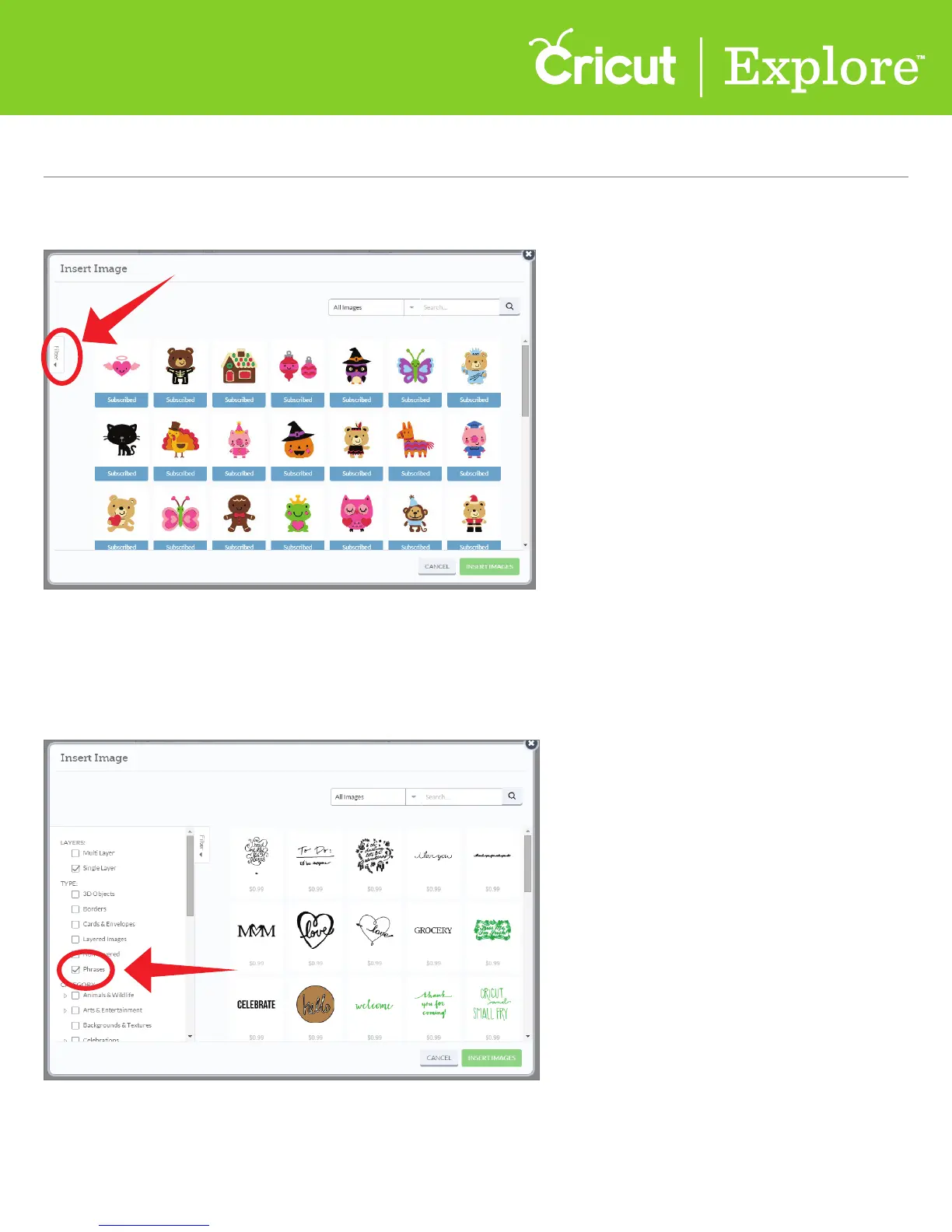
Step 2 On the left side of the window, click on the Filter tab to open a list of filters.
Step 3 Narrow the set of images you would like shown in the library by clicking on the check box next
to one or more of the filters. Only those images tagged by the selected filters will be displayed. Choose
from options such as the number of layers your image has, the type of project you would like to make,
or the category or theme of the image you are looking for.
Section 4C
Image Library - Using Image Filters
Image Library (cont.)
Section 4C Page 2















 To Next Page