Section 4A
Image Library - Search/Insert Images
Section 4A Page 1
Image library
The Cricut Design Space™ Image Library contains over 50,000 images, with more being added all the
time. You don’t need to own an image to try it out—Cricut Design Space lets you design with an image
before you buy so you can make sure it will work on your project.
Note: Available images may vary by region based on your residential address and the licensing agreements.
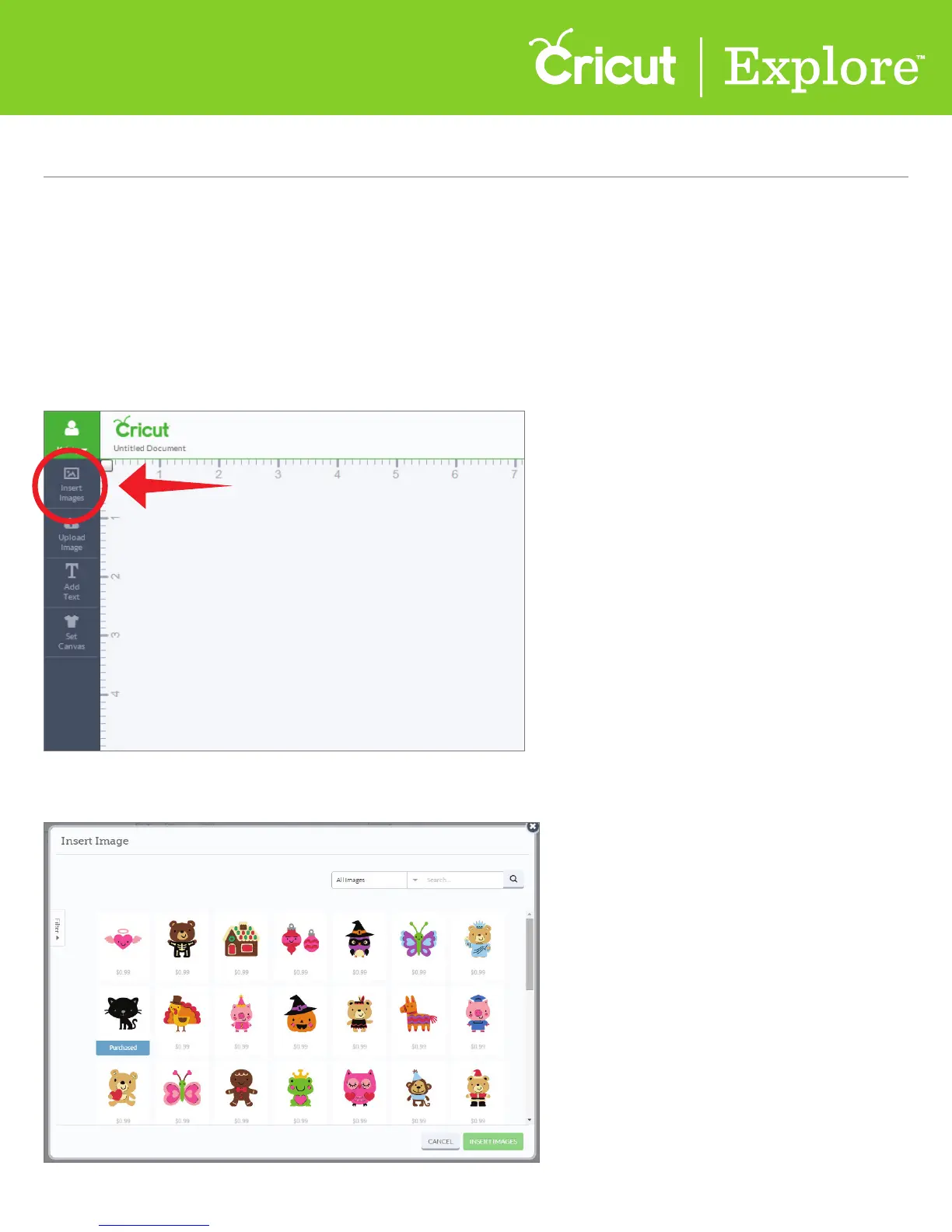
Step 1 From the design screen, click on the “Insert Image” icon from the left menu.
A new window will open containing the Image Library, where you can search for images.
Search for and insert an image from the Cricut library















 To Next Page