Layers Panel (cont.)
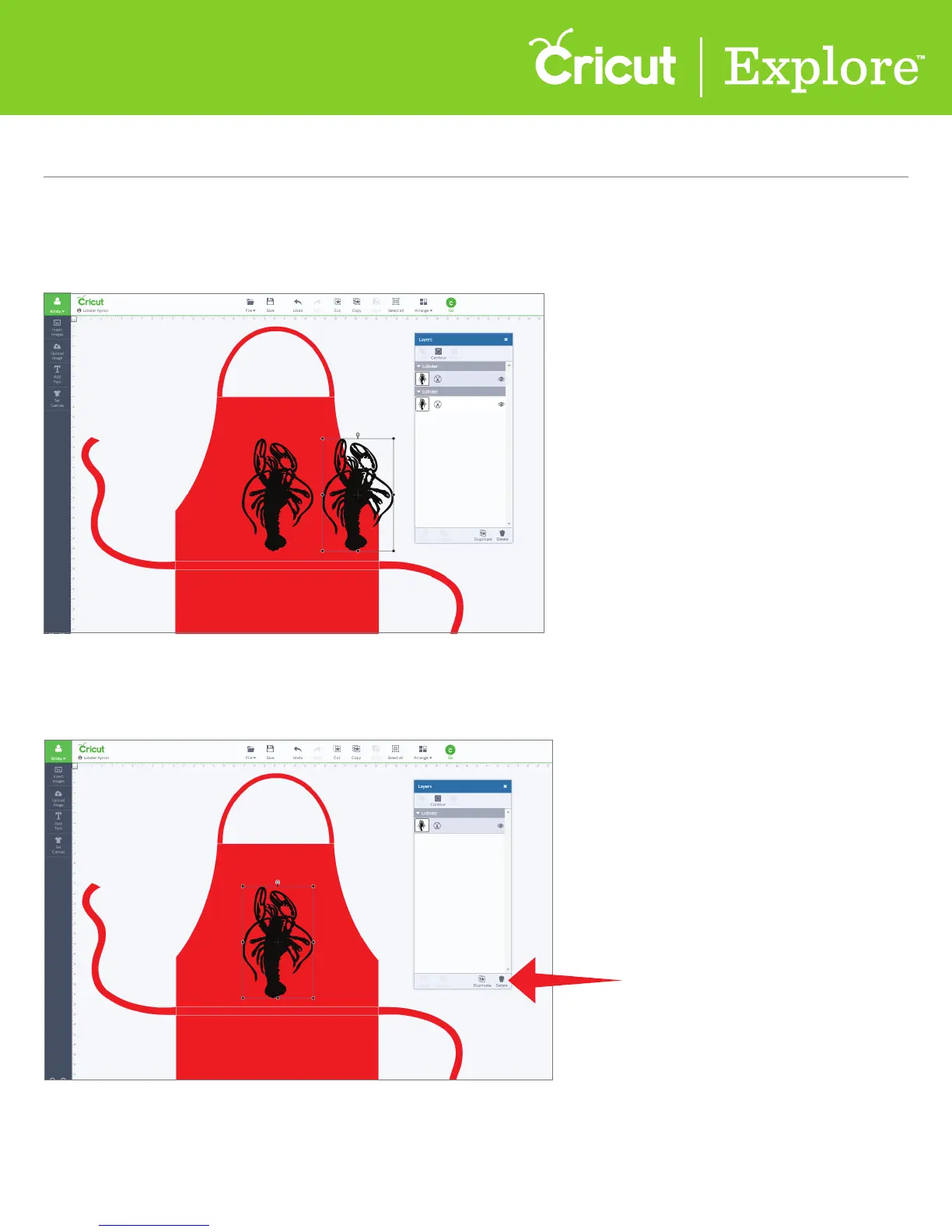
Delete an image or image group
Step 1 Select the image or image group you would like to delete.
Step 2 At the bottom of the Layers panel, click “Delete.” The image will be removed from the project
and from the Layers panel.
Section 4B
Image library - Insert/Search for images
Section 9D Page 2
Section 9D
Layers Panel - Duplicate/Delete an Image or Image Group















 To Next Page