Section 11
Canvas Panel
Section 11 Page 1
Canvas Panel
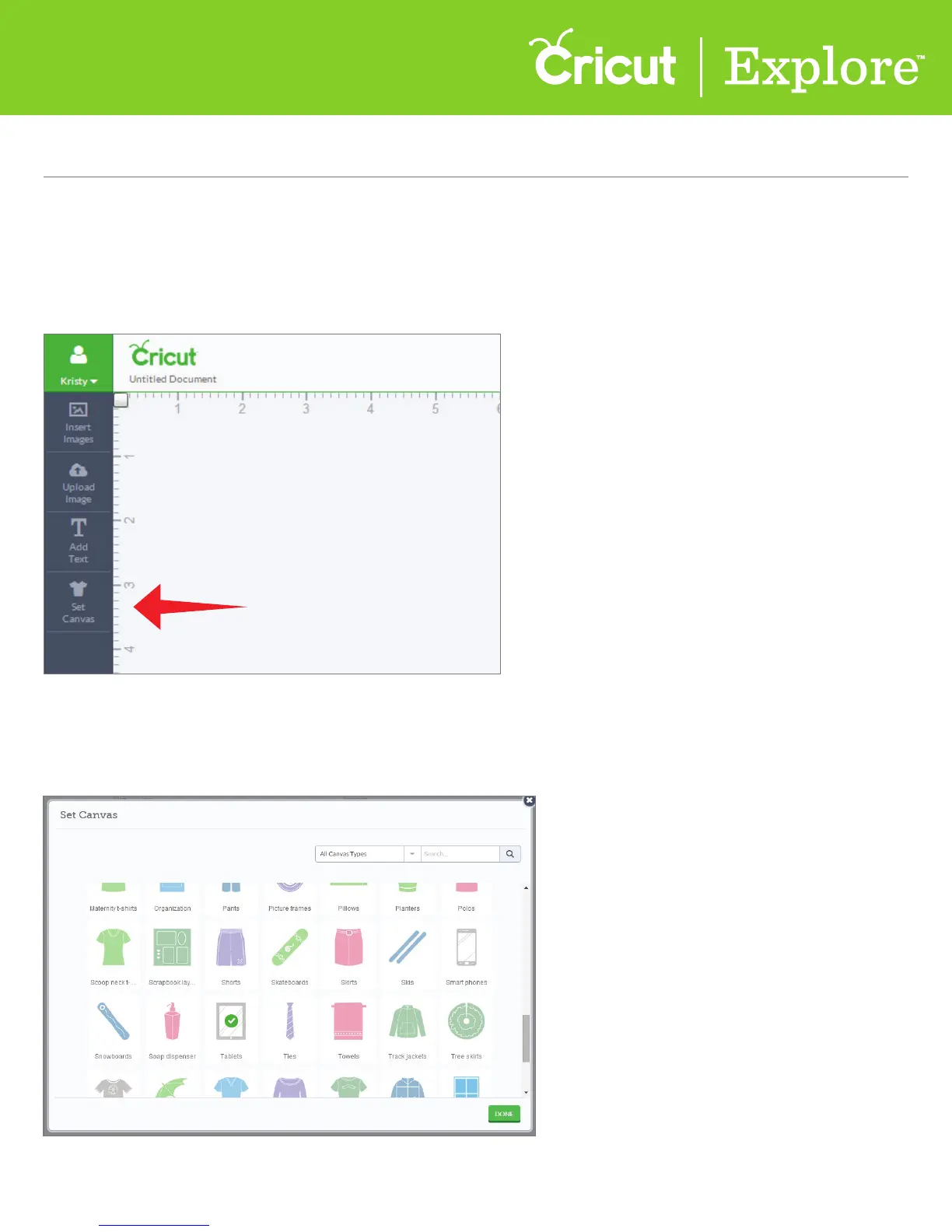
Step 1 To use a canvas in Cricut Design Space, click “Set Canvas.”
Step 2 Select the canvas by clicking on the tile that most closely represents your project type.
A new window will open showing the options for canvas types.
To better visualize your project, use a project canvas. The canvas will not cut.
It acts as a guide to help you see how the finished project will appear before you cut.















 To Next Page