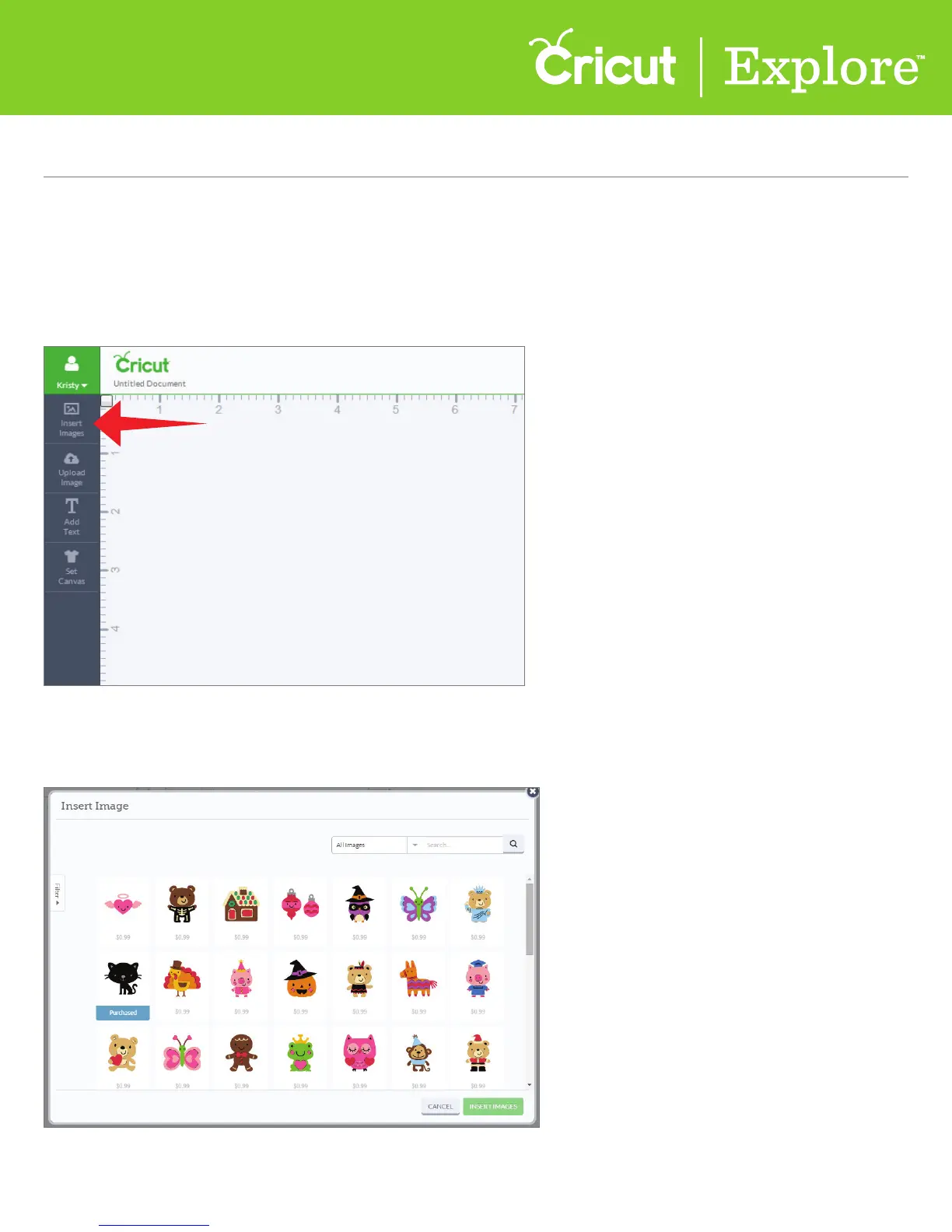
Step 1 Once you link a cartridge to your account (see section 3 of this manual), you will have full access to
its digital image set. Simply access the image set by clicking “Insert Images” from the left menu.
A new window will open containing the Cricut Design Space™ Image Library and all images
you’ve purchased.
Section 4B
Image Library - Search for Image Sets/Cartridges
Section 4B Page 1
Image Library (cont.)
Search for image sets or cartridges you’ve purchased















 To Next Page