Purchasing Image (cont.)
Section 13B
Purchasing Images - Image sets
Section 13B Page 1
Image Sets
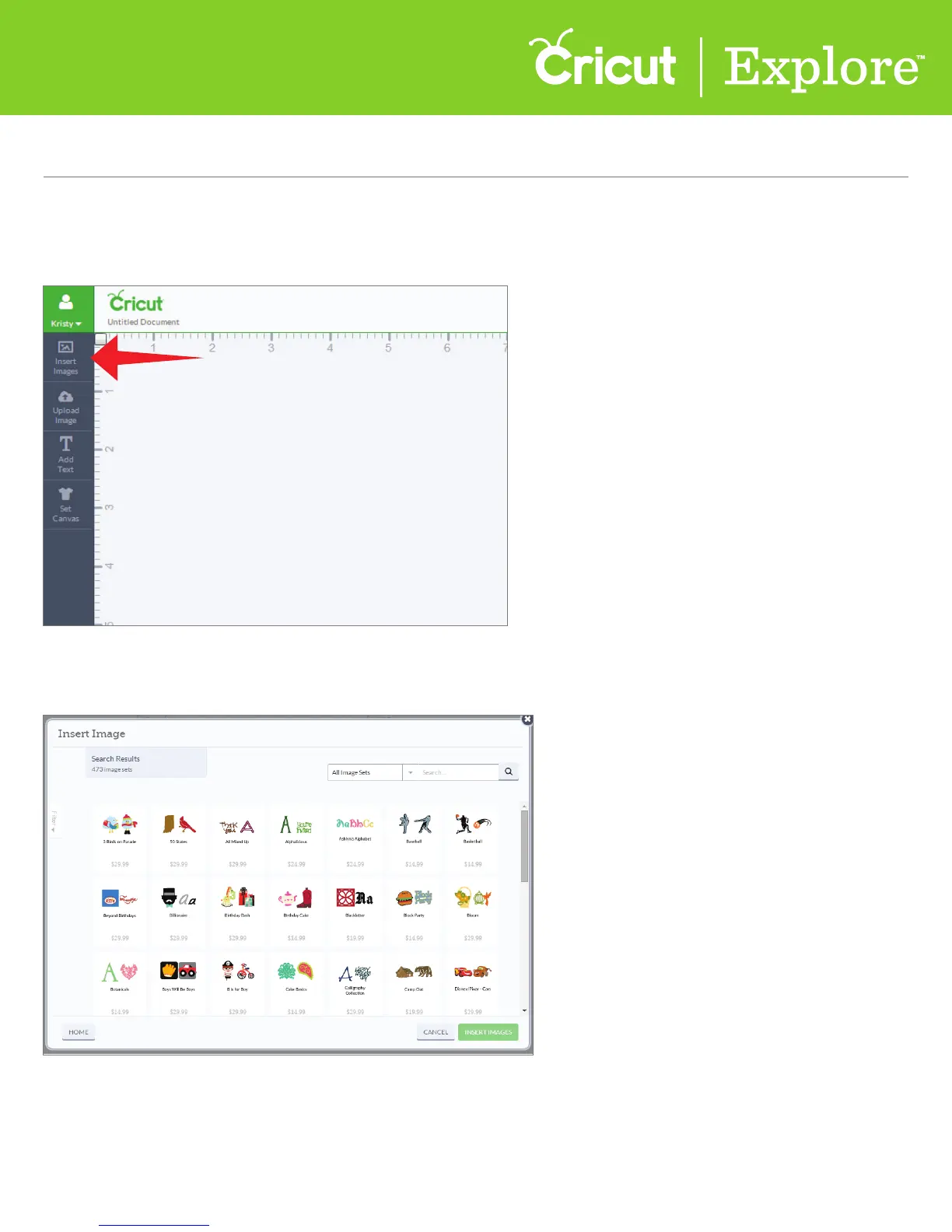
Step 1 To purchase an image set, click on “Insert image” from the design screen.
Step 2 From the Insert Images window, choose “All Image Sets” from the drop-down menu.
This will display all the sets that are available in the Cricut Design Space
™
Image Library.
Tip: Many image sets are sold as physical cartridges in stores and digitally online, while other image
sets may only be available digitally.















 To Next Page