Section 3
Cartridge Linking
Section 3 Page 1
Cartridge Linking
The Cricut Explore® machine was designed to work with Cricut Design Space™ online software. You
can still use cartridges you’ve purchased by linking them to your Cricut account through the port on
your Cricut Explore® machine. If you have already linked your cartridges to the Cricut Craft Room
®
design software, or linked your cartridges to your Cricut Gypsy
™
device and then linked your Gypsy to
your Cricut.com account, you have permanent digital access to those images. Haven’t linked yet?
Here’s how.
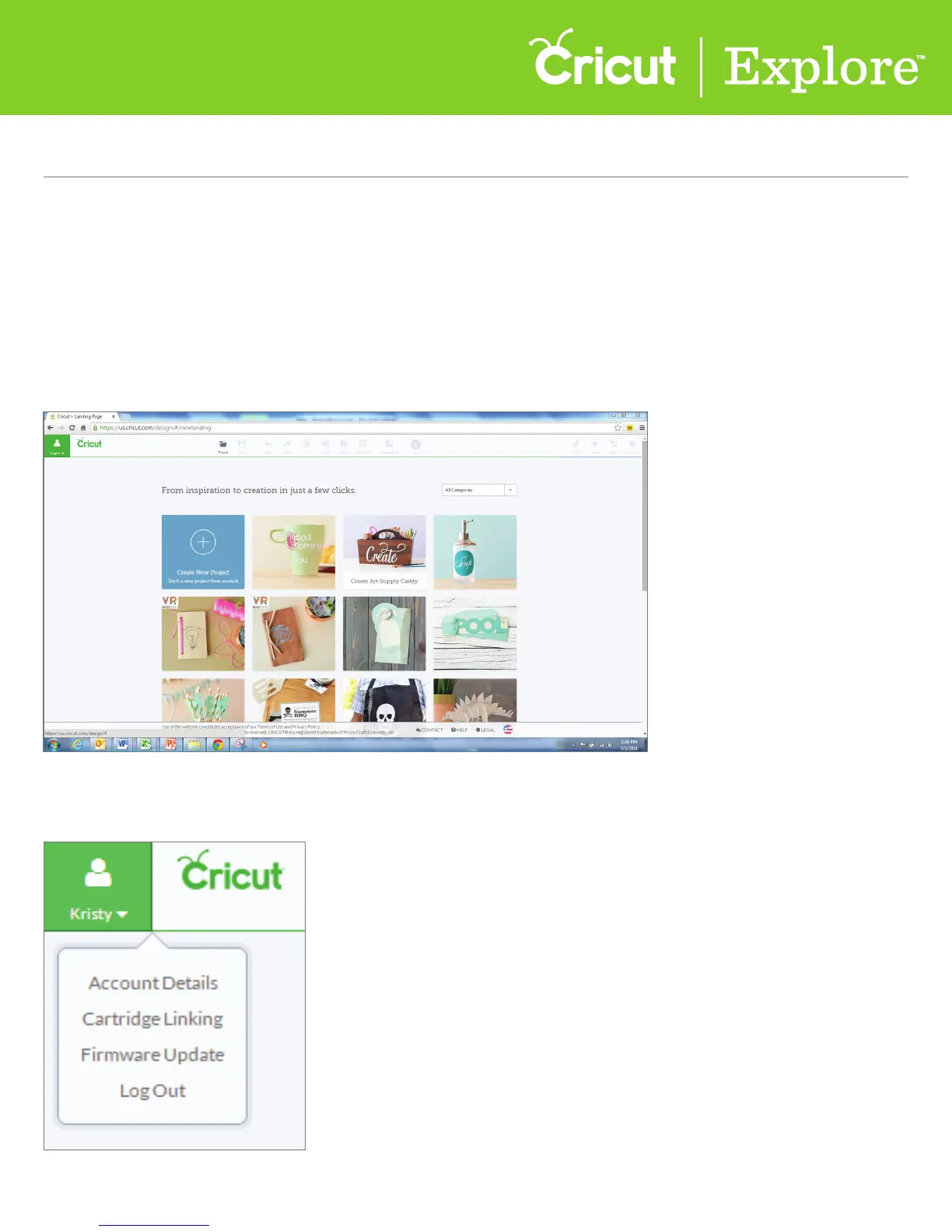
Step 1 Open your web browser to www.cricut.com/design. Click on the green account button and log
into Cricut Design Space™ using your Cricut.com account.
Step 2 Once you’ve logged in, click again on the green account button and select “Cartridge Linking”
from the drop-down menu.















 To Next Page