Section 2B Page 6
Section 2B
Smart Set
™
Dial - Custom Settings
Smart Set
™
Dial (cont.)
Adjusting material settings
Step 1 You have the option to update or adjust the predefined settings and any setting you have
entered. By doing so you can fine tune the settings to your specific materials. Once your project is in
Cricut Design Space
™
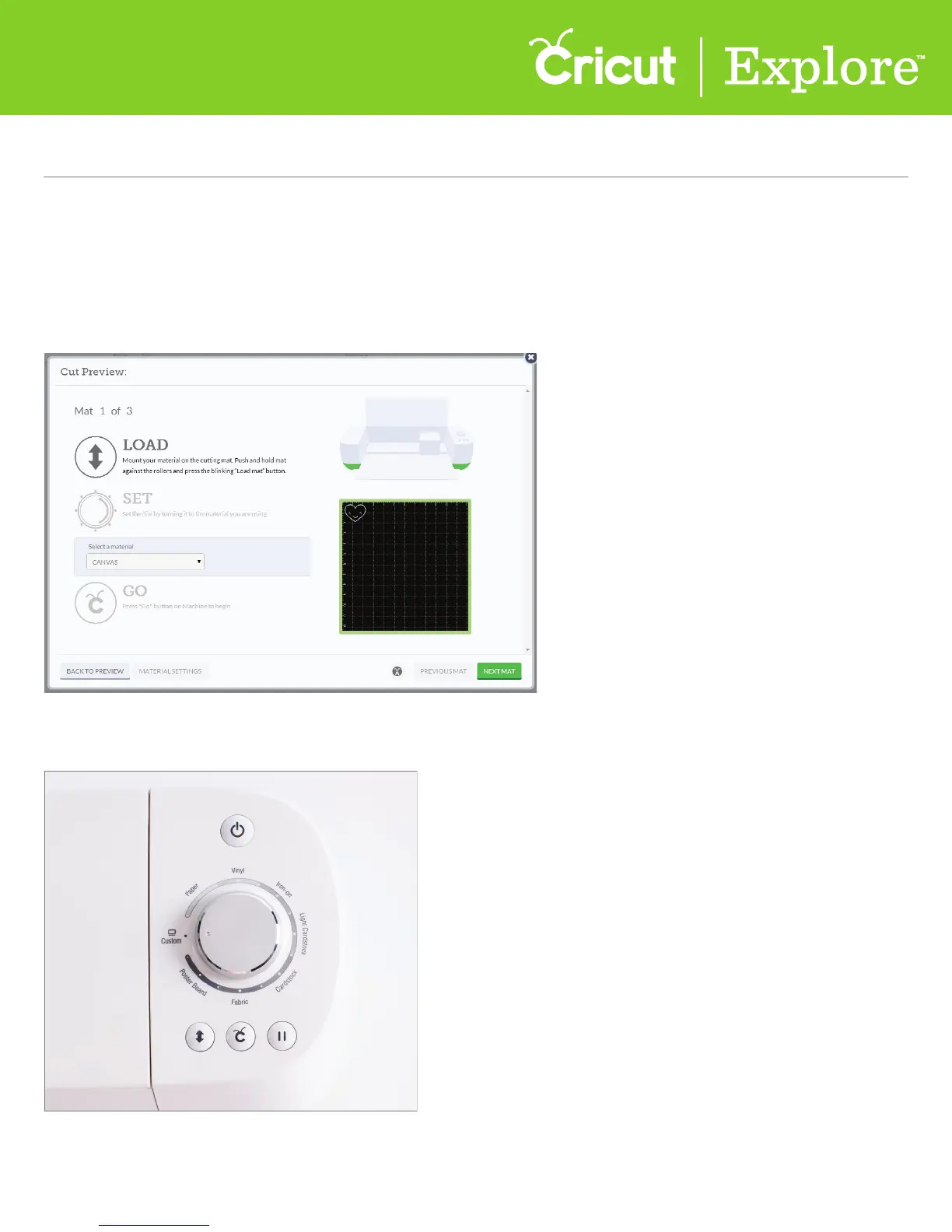
ready to cut, click “Go.” From the Cut Preview window, follow the prompts to
load your cutting mat into the machine.
Step 2 Turn the Smart Set
™
dial to the Custom setting.















 To Next Page