Section 7B
Working with images/Edit panel - Sizing images
Section 7B Page 3
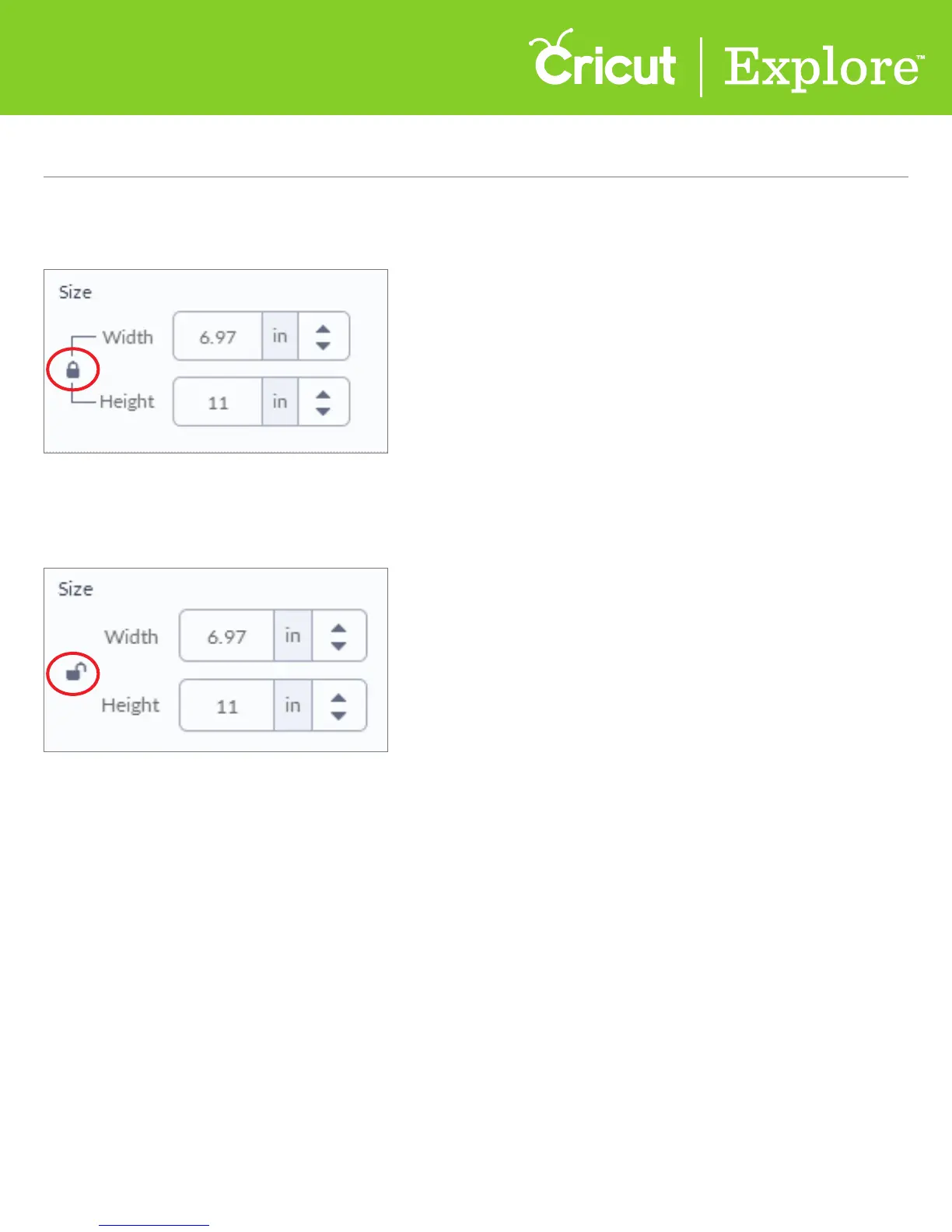
Images are added to the canvas with their size ratio locked, meaning the image will
resize proportionally.
To unlock the size ratio, click on the lock. The image will resize based on specific height and
width measurements. When the size ratio is unlocked, the ratio will not be preserved when
you use the corner handles.
Working with images/Edit panel (cont.)















 To Next Page