Layers Panel (cont.)
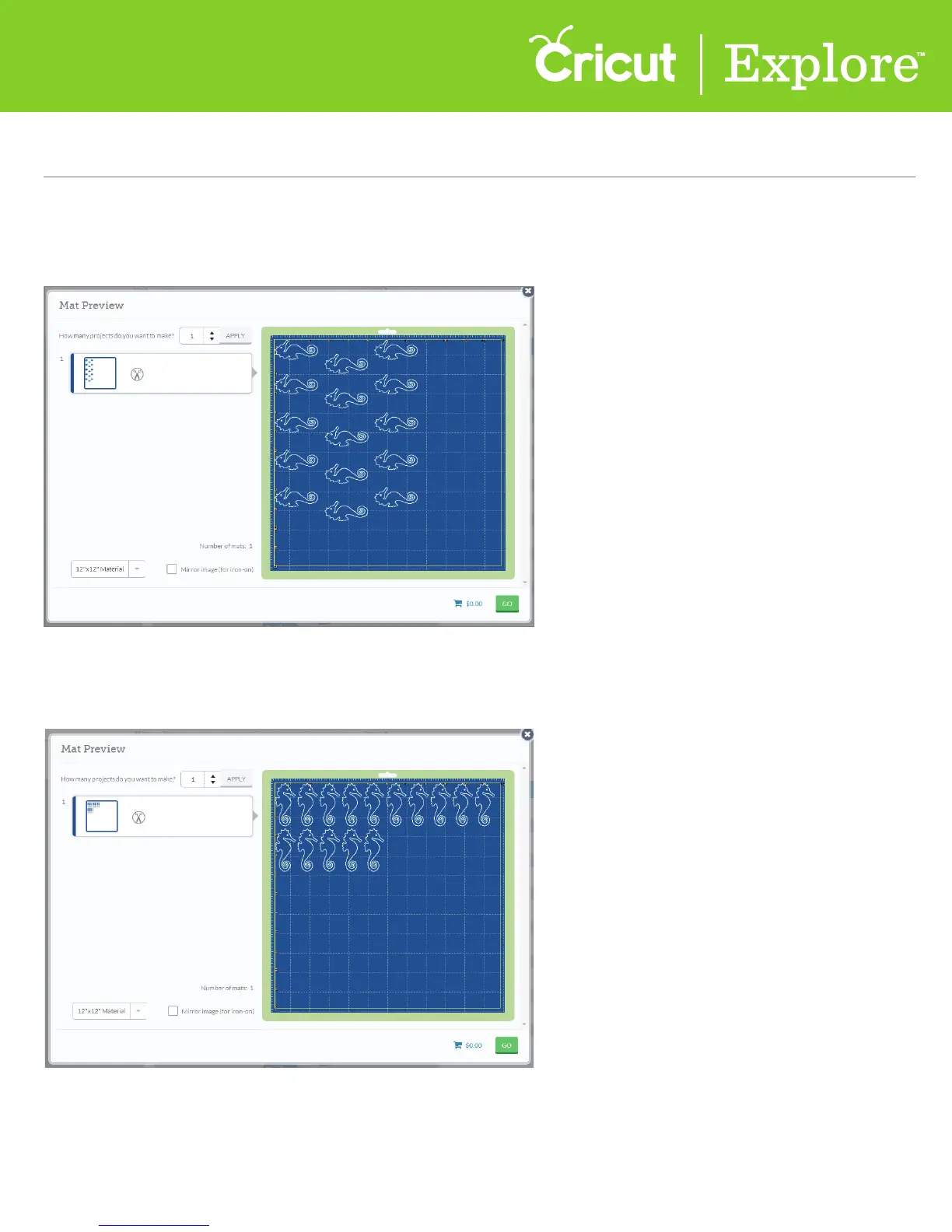
Step 3 You will know that your images are attached because they will all be the same color. When you
are ready to cut, the images will show on the Mat Preview screen exactly as you have them arranged on
your project.
Tip: If items are not attached, Cricut Design Space
™
will cut in paper saver mode, meaning it will
automatically place objects on the cutting mat as close together as possible to conserve material.
Section 9H
Layers Panel - Attach Tool
Section 9H Page 2















 To Next Page