Cutting Your Own Images (cont.)
Section 6A
Cutting Your Own Images - Basic Upload
Section 6A Page 2
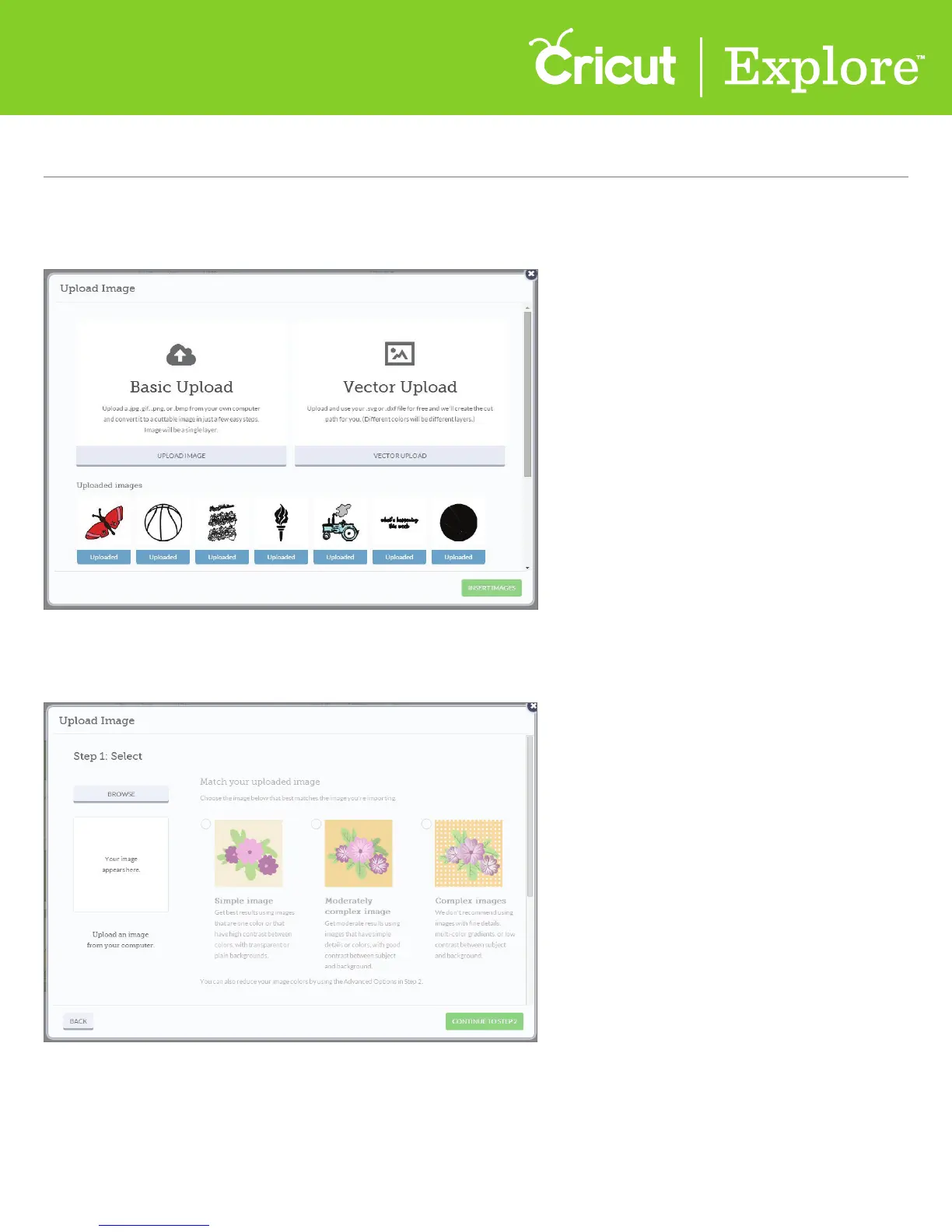
Step 2 A window will open which prompts you to choose your image file type. Choose “Basic Upload”
to work with .jpg, .gif, .png or .bmp image files.
Step 3 Click “Browse” to find the image you want to use from your computer. The file selector will open.















 To Next Page