Contour Feature (cont.)
Section 9G
Layers panel - Contour Tool
Section 9G Page 2
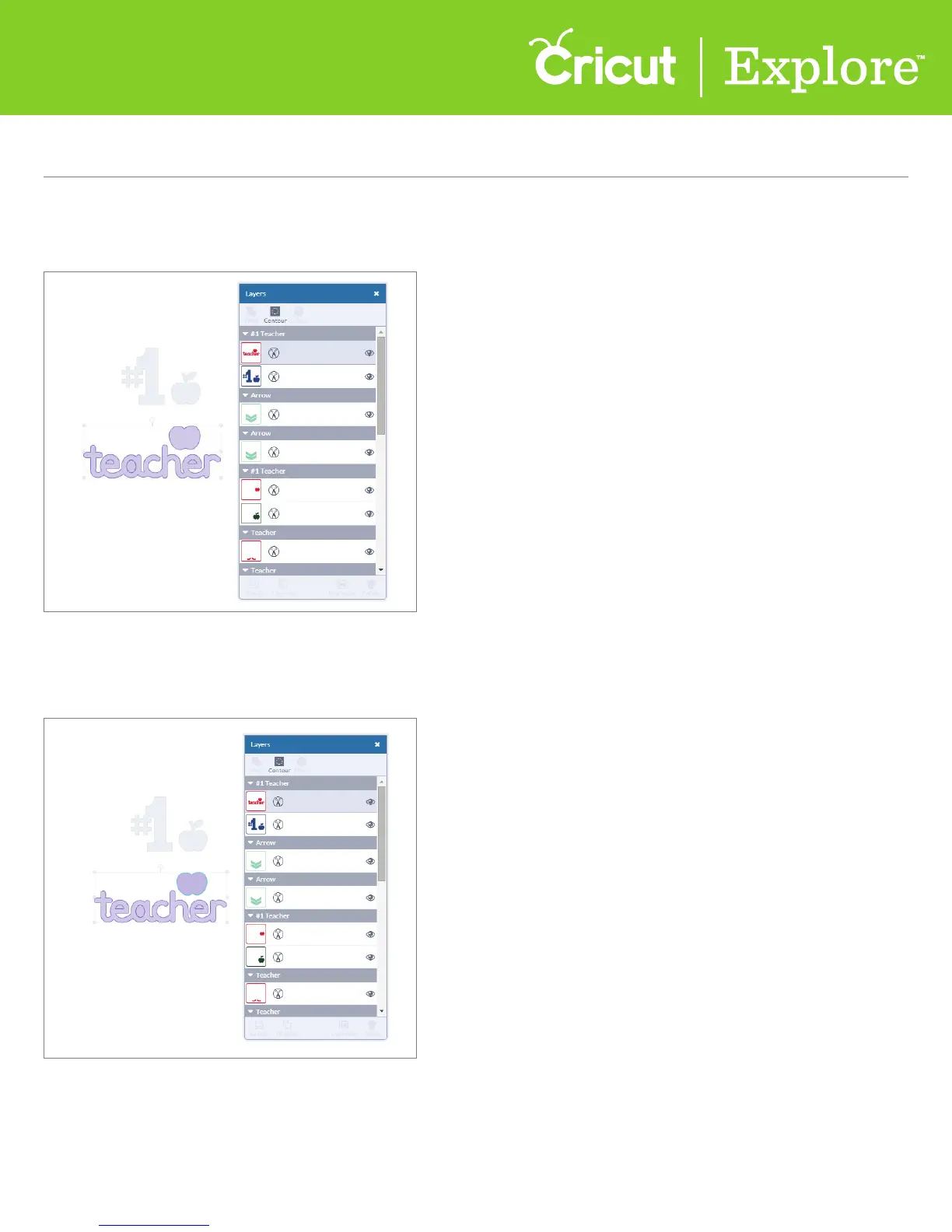
Step 3 Click “Contour” on the layers panel. You will see all images fade except the one you are
working with. The blue line around the image represents a cut path.
Step 4 Click on the portion of the image you do not want. The line will change to a light blue,
indicating this will no longer show as part of the image and will not cut.















 To Next Page