Section 13B
Purchasing Images - Image Sets
Section 13B Page 5
Purchasing Images (cont.)
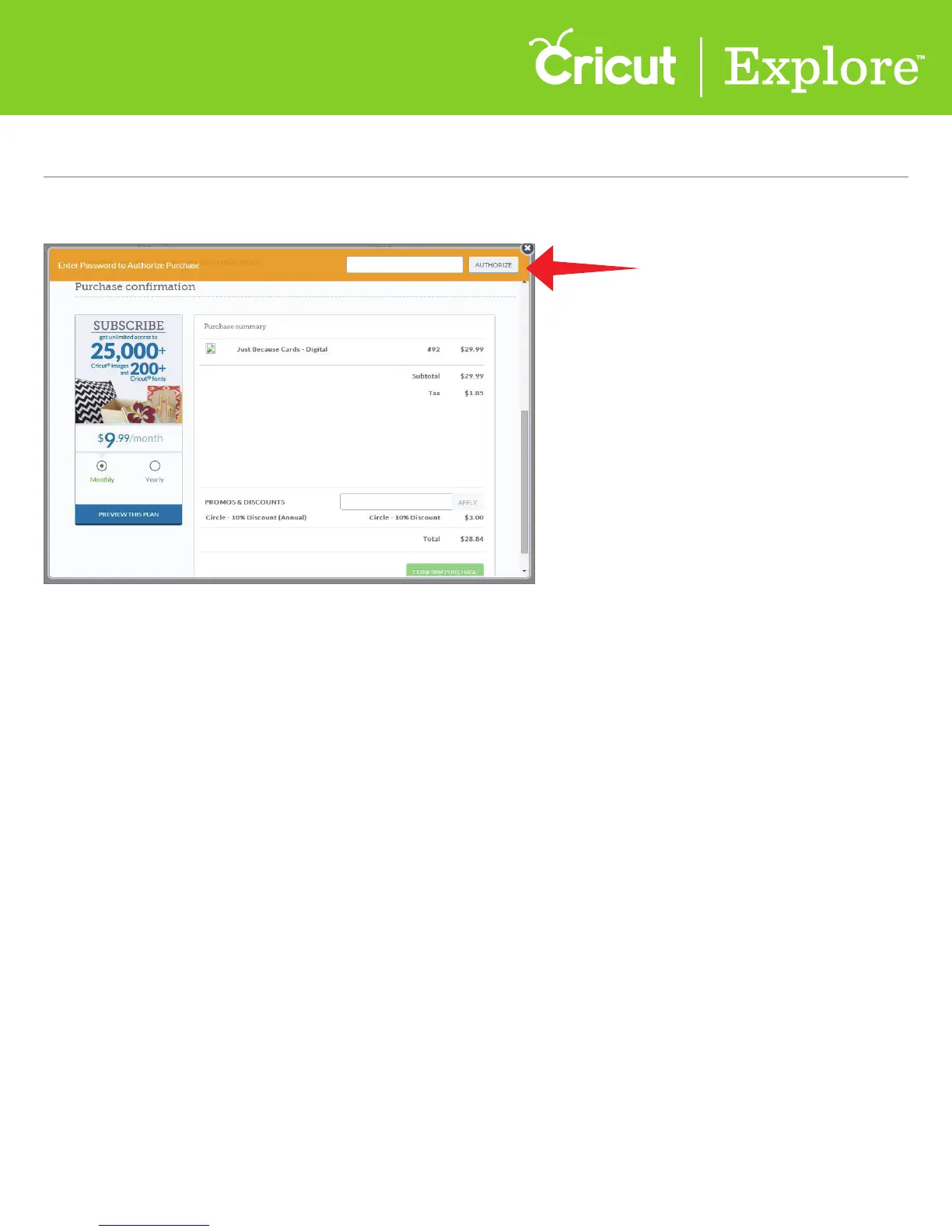
Step 9 Enter your password in the Authorize Purchase box, and then click “Authorize.”
Step 10 Once your purchase is complete, you will receive the message, “Success, order has
been completed.”















 To Next Page