Section 13B
Purchasing Images - Image Sets
Section 13B Page 3
Purchasing Images (cont.)
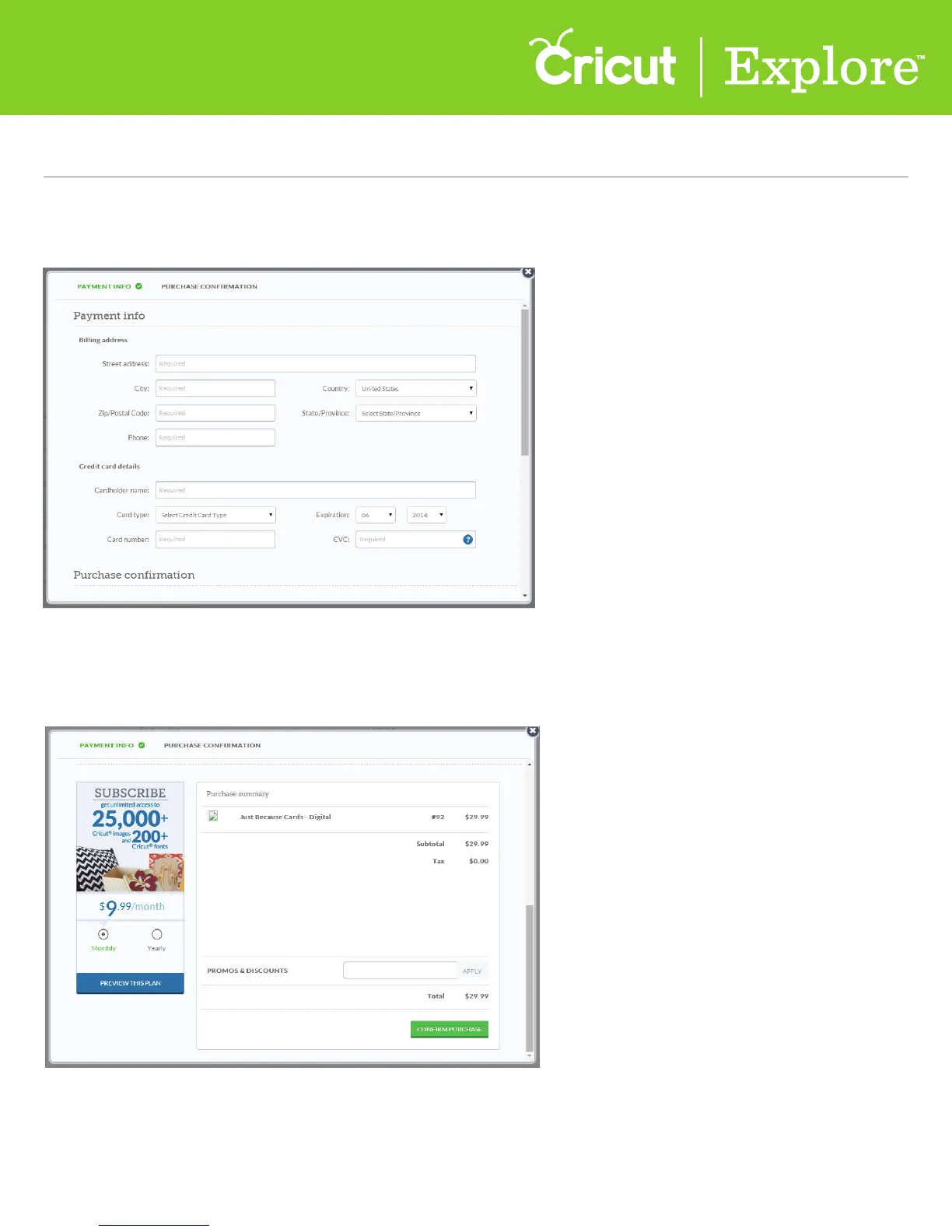
Step 6 Next, scroll down the purchase summary to confirm your purchase.
Step 5 If you haven’t already, enter your payment information. Cricut Design Space
™
will save your
information for future purchases.
Tip: You can change your information in the account details screen at any time.















 To Next Page