Machine Setup (cont.)
Section 1C
Machine setup - First Project
Section 1C Page 3
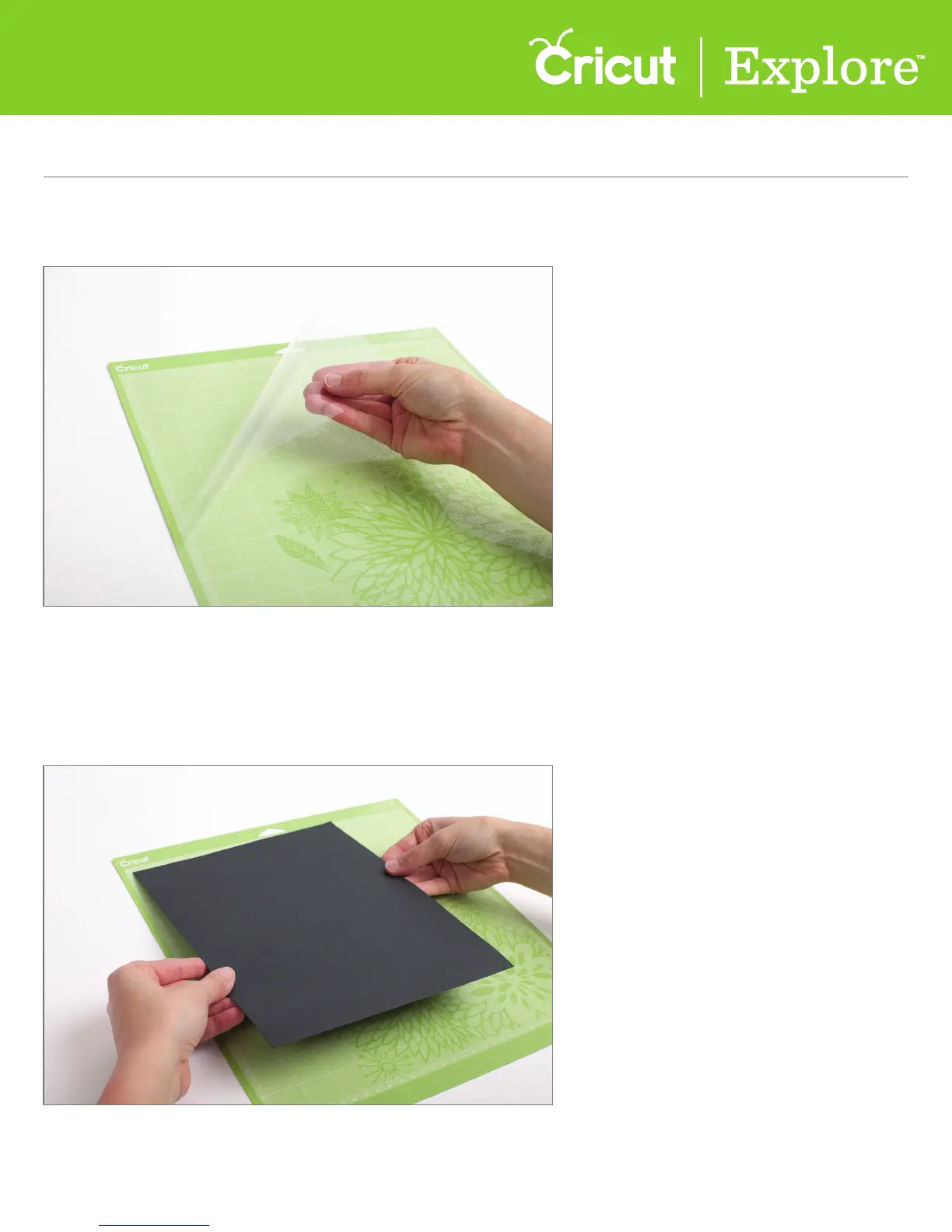
Step 5 Next, load the black paper found in your starter materials packet onto your mat.
Start by removing the protective cover from your mat.
Tip: Set this cover aside while you cut but be sure to replace to protect the mat’s adhesive
during the times it is not in use.
Step 6 Align your paper to the gridlines in the top left corner your mat and smooth
the paper onto the surface.















 To Next Page