Tip: Be sure to remove your pen—just open accessory clamp A and pull the pen straight up.
Don’t forget to cap the pen!
Machine Setup (cont.)
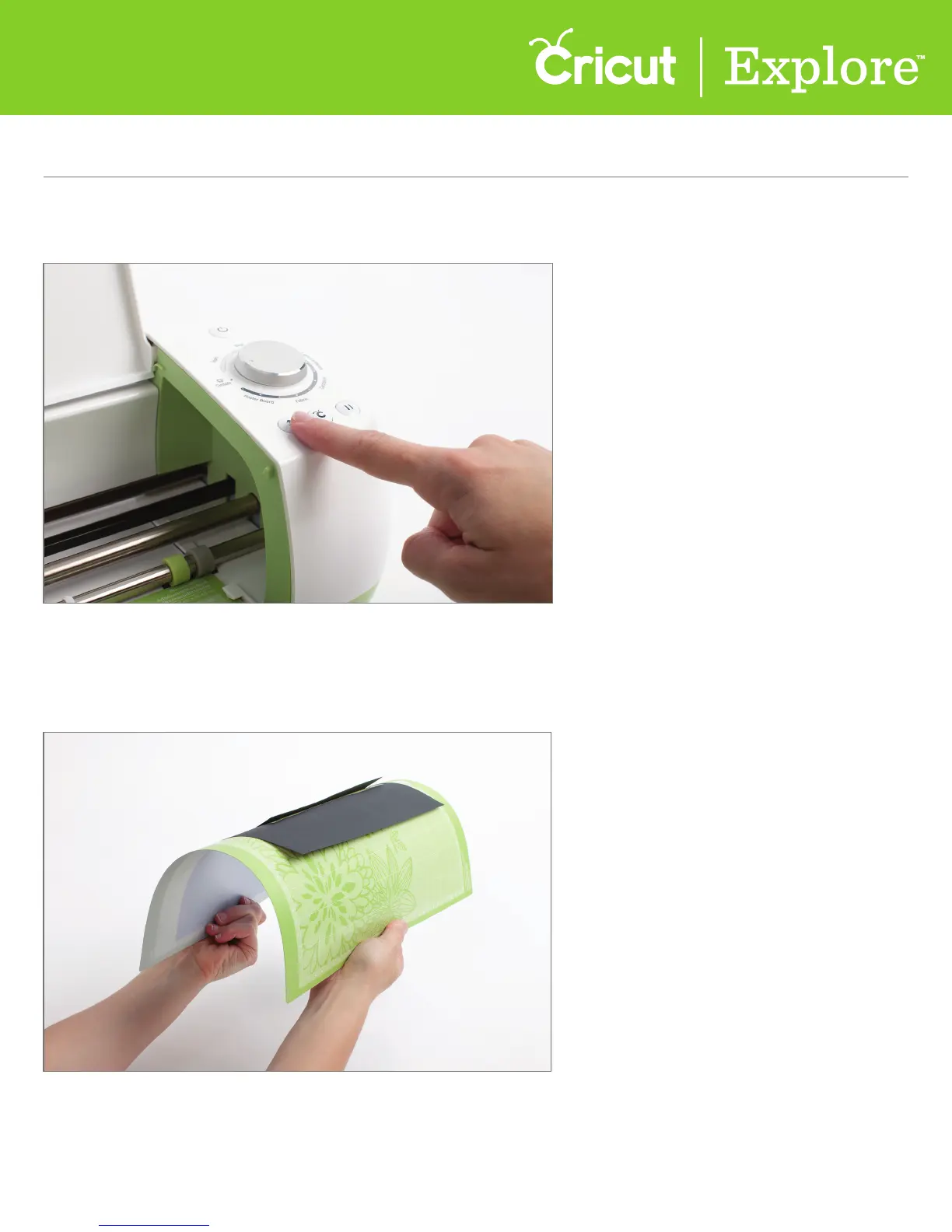
Step 9 Once your Cricut Explore® machine has finished cutting and writing, unload the your mat
by pressing the blinking Load/Unload button.
Step 10 Remove your card by gently bending the mat until one edge of the card releases.
Section 1C
Machine setup - First Project
Section 1C Page 5















 To Next Page