Cartridge Linking (cont.)
Section 3
Cartridge Linking
Section 3 Page 3
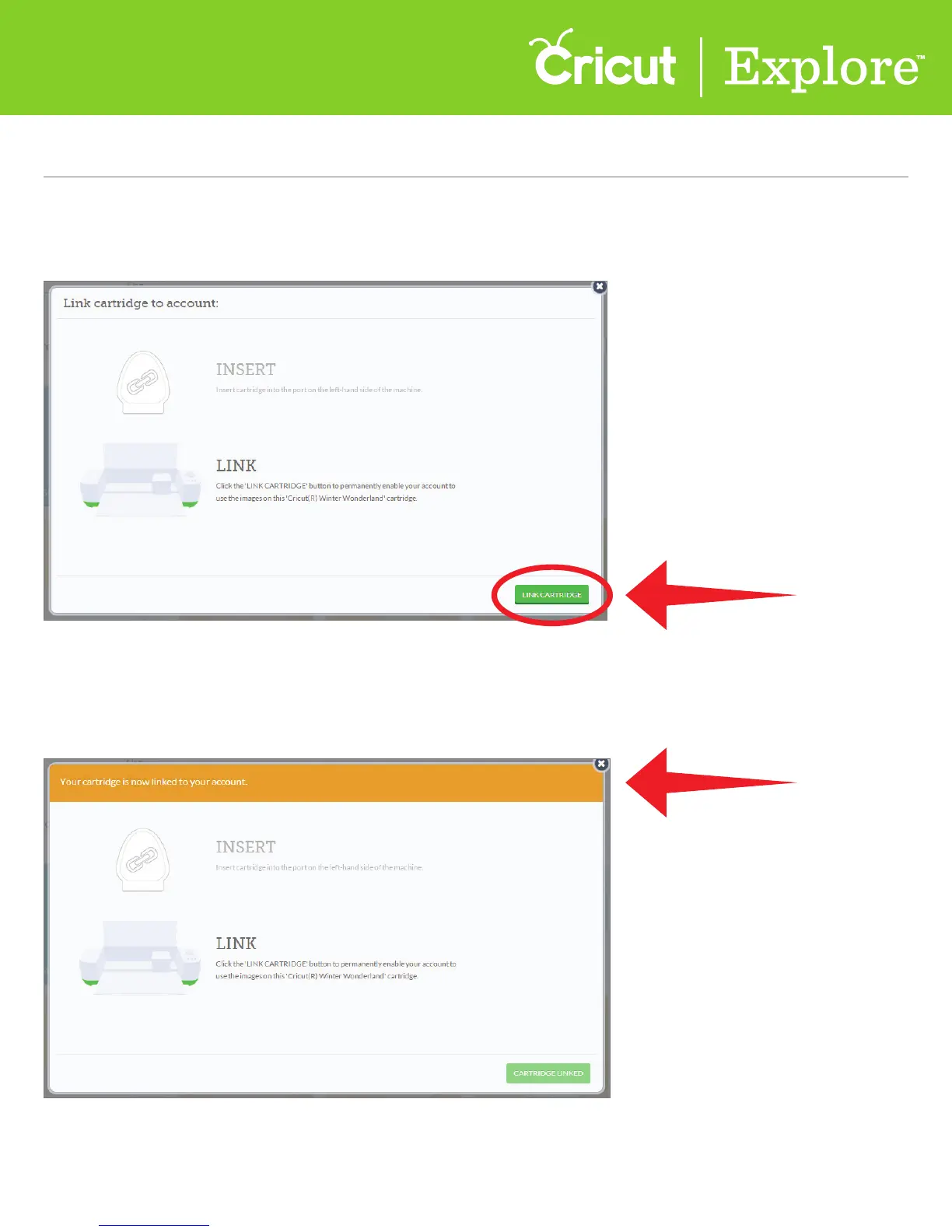
Step 6 Messaging on screen will indicate once cartridge has been successfully linked.
Once your cartridge is linked, you are free to remove it from the machine.
Tip: Repeat the process to link additional cartridges.
Step 5 Once the cartridge is detected by the machine, you will be prompted to link the cartridge to your
Cricut.com account. Click “Link Cartridge.”















 To Next Page