Make It Now™ Projects (cont.)
Section 5
Make It Now™ Projects
Section 5 Page 3
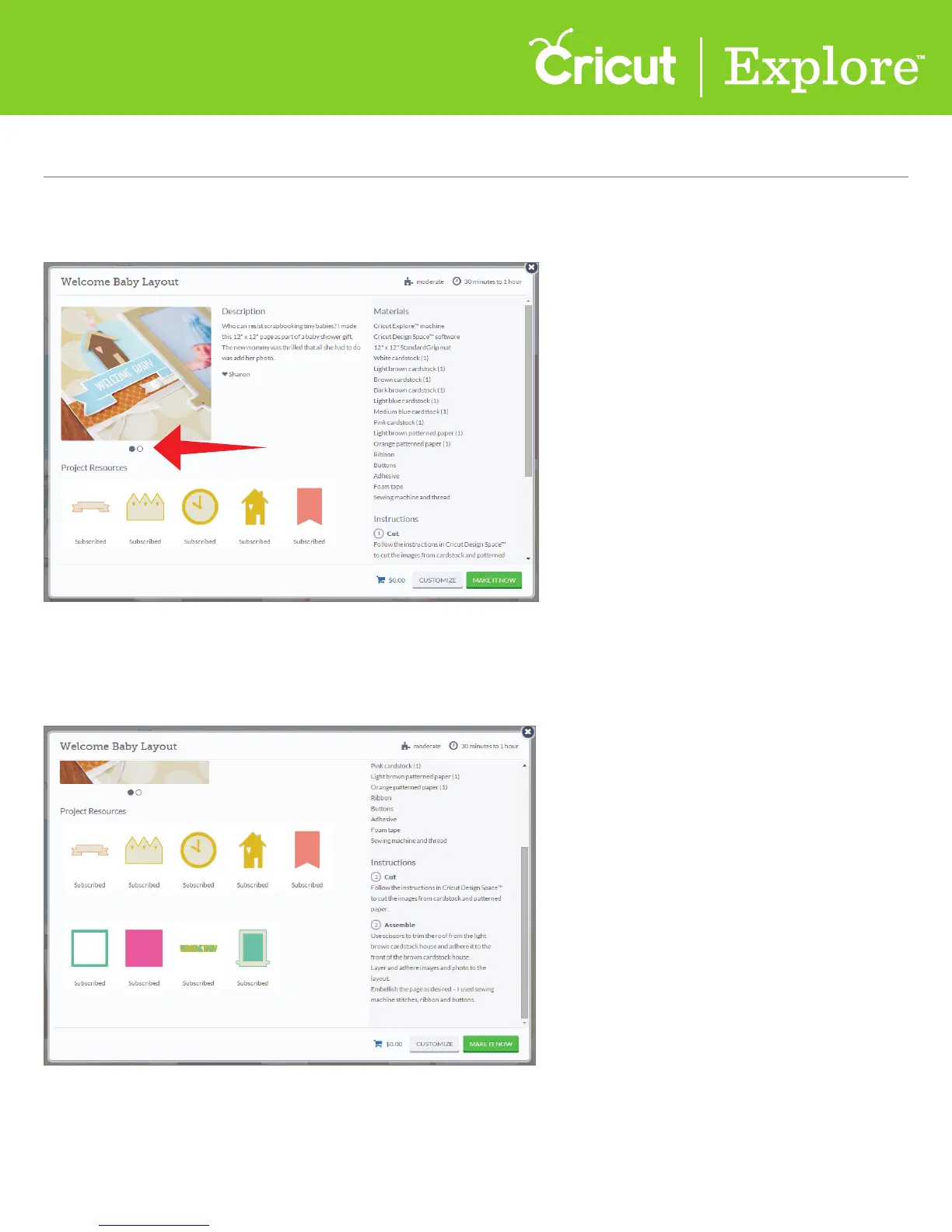
Step 5 Make It Now
™
projects often have more than one photo. If there are multiple photos, small gray
circles will appear below the main photo. Click on the circles to see alternate views of the project.
Step 6 Below the picture you will find images that are needed to complete this project. Below each
image you’ll see if you own the image, if it’s available in a subscription, if it’s free, or how much
it is to purchase.
Tip: If the Make It Now
™
creator changed the image or deleted any layers of the image, don’t worry–
when you purchase the image you will own the original image design with all of its layers. You will also
be able to use the images of this project for any future projects.















 To Next Page