Section 6A
Cutting Your Own Images - Basic Upload
Section 6A Page 6
Cutting Your Own Images (cont.)
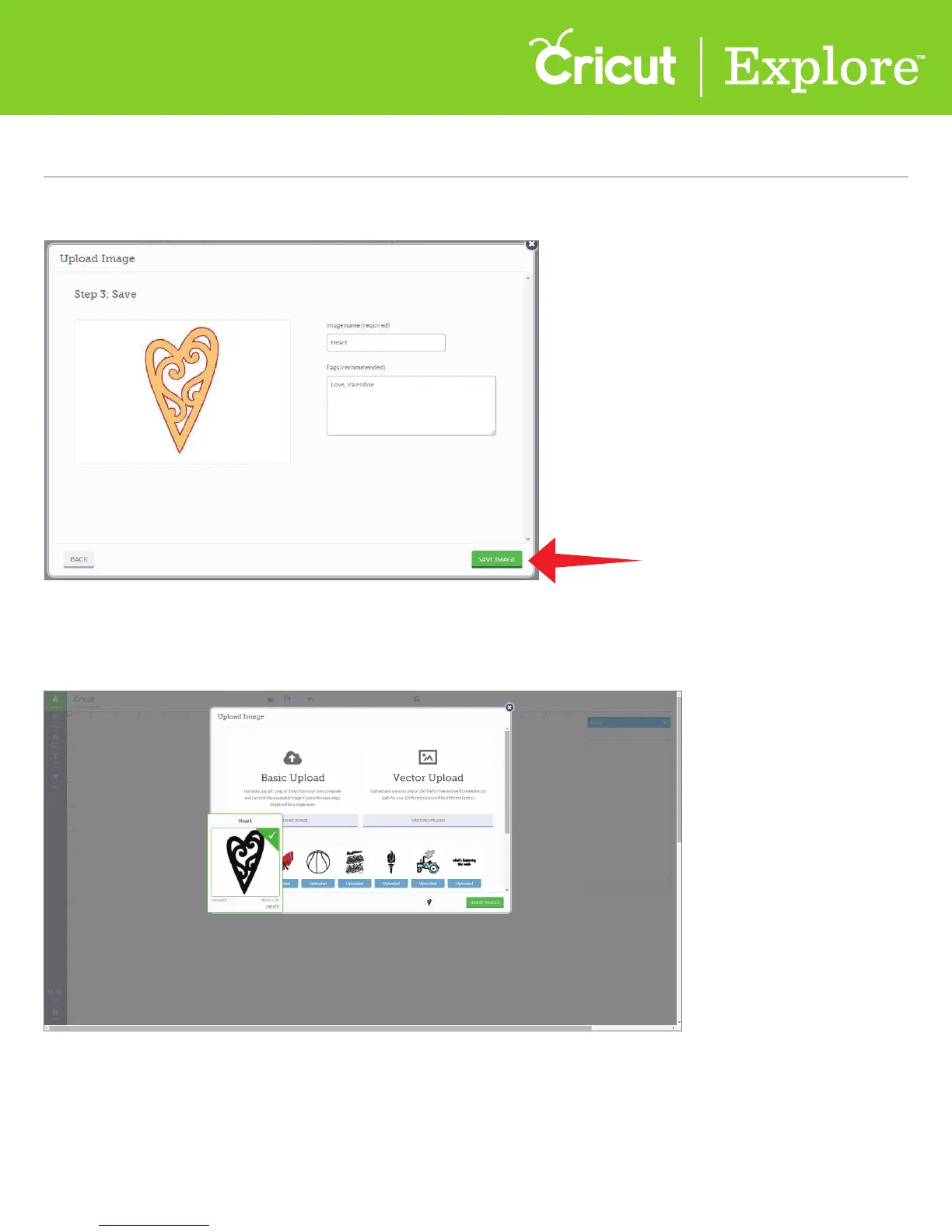
Step 9 You will return to the Upload Image window. To add the image to your canvas, click on your
image and a green check will appear indicating it is selected. Click “Insert Image” to add to your canvas.
Please note: Cricut
®
encourages you to respect the intellectual property rights of others and only
make copies of images you own or are authorized to use.
Step 8 To continue, click “Save image.”















 To Next Page