Page 16
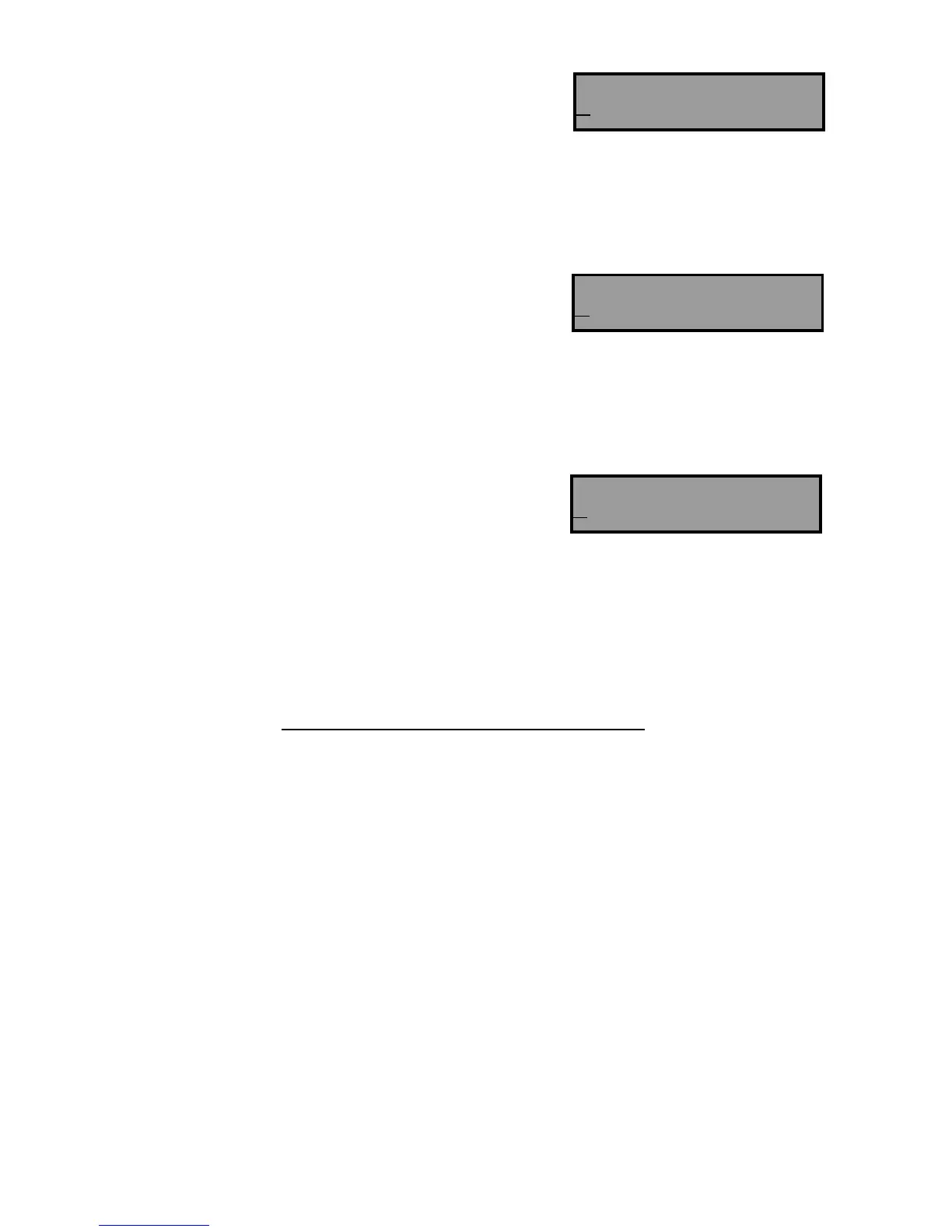
The keypad allows for up to 16 Areas, hence 16 characters
‘A-P’ are displayed. In the case of the PW-8, there are only 2 Areas,
so the first 2 characters apply.
These characters can be changed to a number eg. to
display ‘Area 1’ if desired.
PROGRAMMING PANEL NAME
999 Panel Name Display (maximum 16 characters)
ADJUSTING KEYPAD BACKLIGHT LEVEL
Backlighting of the Keys and the LCD Display can be adjusted in 16 steps from Fully illuminated to Off.
Increase LCD Backlight - Hold <CONTROL> and press <STAY> repeatedly
Decrease LCD Backlight - Hold <CONTROL> and press <BYPASS> repeatedly
Increase Keypad Backlight - Hold <CONTROL> and press <MEM> repeatedly
Decrease Keypad Backlight - Hold <CONTROL> and press < > repeatedly
ADJUSTING BUZZER TONE
The Keypad Buzzer tone can be adjusted in 16 steps from fully On to
Off.
Increase Volume - hold <CONTROL> and press <A> repeatedly
Decrease Volume - hold <CONTROL> and press <B> repeatedly
PROGRAMMING OPTIONSPROGRAMMING OPTIONS
Output States
NOTE: With all output programming options we refer to outputs 1-8. Only outputs 1-4 are available as
standard, with outputs 5-8 requiring the connection of the optional 4 way output expander unit that
connects to the keypad bus ( the output expander provides 4 change-over relay contacts).
This block of addresses (31 - 38) are used to map output modifiers to each of the 8 outputs available on the
PowerWave.
Address 31 ΠInvert output - Default off
• Flash output - Default off
Ž Single pulse to output - Default off
• Lockout output once reset - Default off
• Siren Driver to output - Default off
‘ “Control” button can operate output - Default off
’ Output flashes on a 24 hour zone alarm - Default off
“ Day zones linked to pulse timer - Default off
Option ΠInvert Output - This option is used to invert the normal state of the output. The Alert uses open
collector type transistor switches and the default state of all outputs is off or high. When in alarm the
transistor switch is turned on and the output is switched low. The invert option reverses this
function.
Name <A..Z>
PowerWave 8
Areas <A..Z>
ABCDEFGHIJKLMNOP
Zone 1 <A..Z>
Samanthas Room



 To Next Page