User's Manual
296
Step 1 Click , or click on the configuration page, and then select SECURITY > Credential.
Figure 8-93 Uninstall
Step 2 Click Uninstall.
System pops up a confirmation box.
Step 3 Click
OK to uninstall the certificate.
8.6.2 Configuring Access Permission
Set the specified IP addresses to access the device, to enhance device network and data security.
Step 1 Click , or click on the configuration page, and then select
SECURITY > IP Filter.
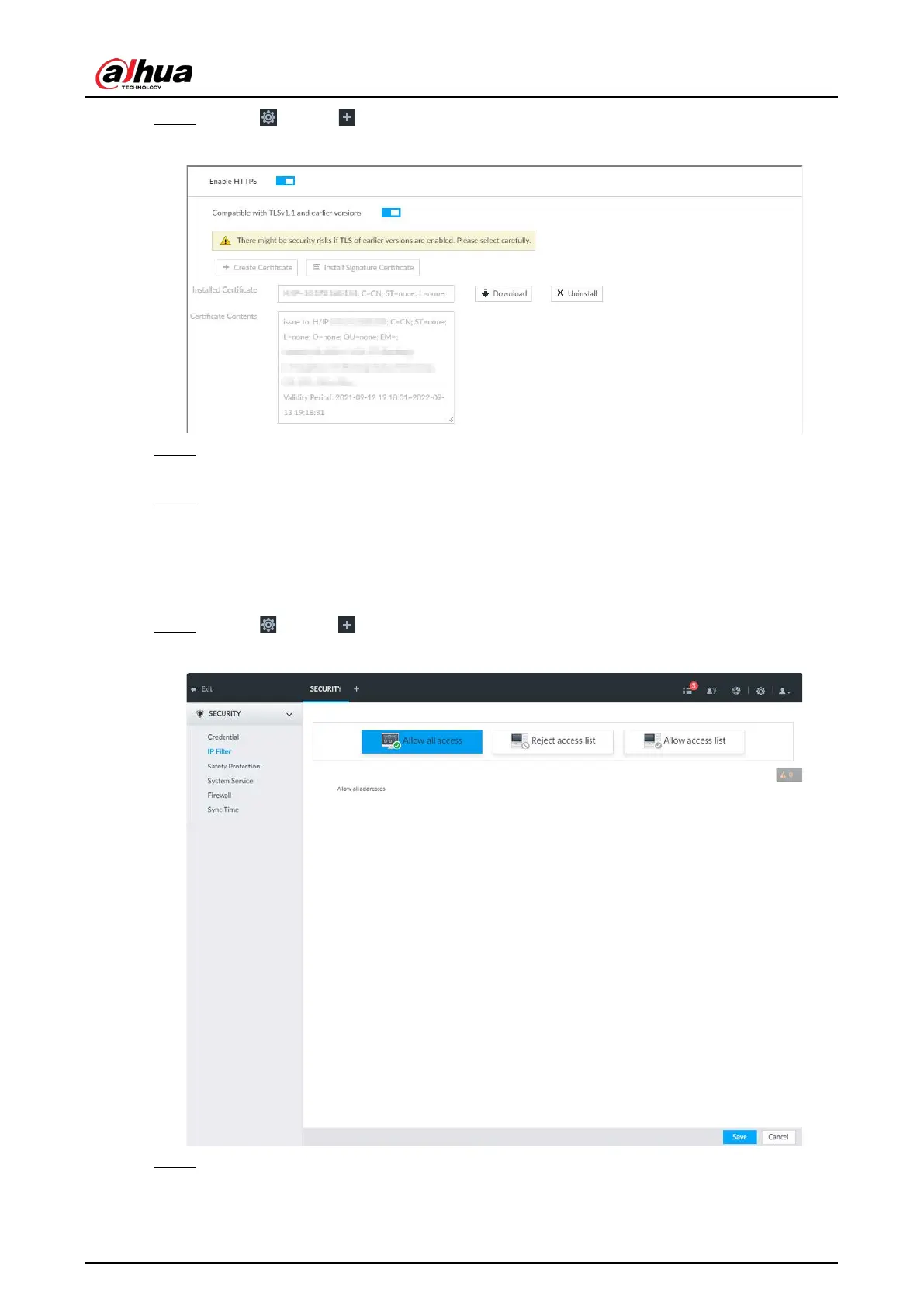
Figure 8-94 IP Filter
Step 2 Select IP access rights.
●
Allow all access: It is to allow all IP addresses in the same IP segment to access the
device.


 To Next Page
 Loading...


