User's Manual
82
Point to a piece of face record, click , and then you can save the record, which contains video
and picture.
●
Search for similar target.
Point to a piece of face record, click , and then the system automatically searches for the
similar faces in the defined period.
When operating on the local device (not from the web or PC client), make sure that you have
connected the USB storage device.
6.3.2.6 Face Search
Search for face detection information, including face detection image, record and features. You can
search by property or by image, export face records, and analyze similarity of two images.
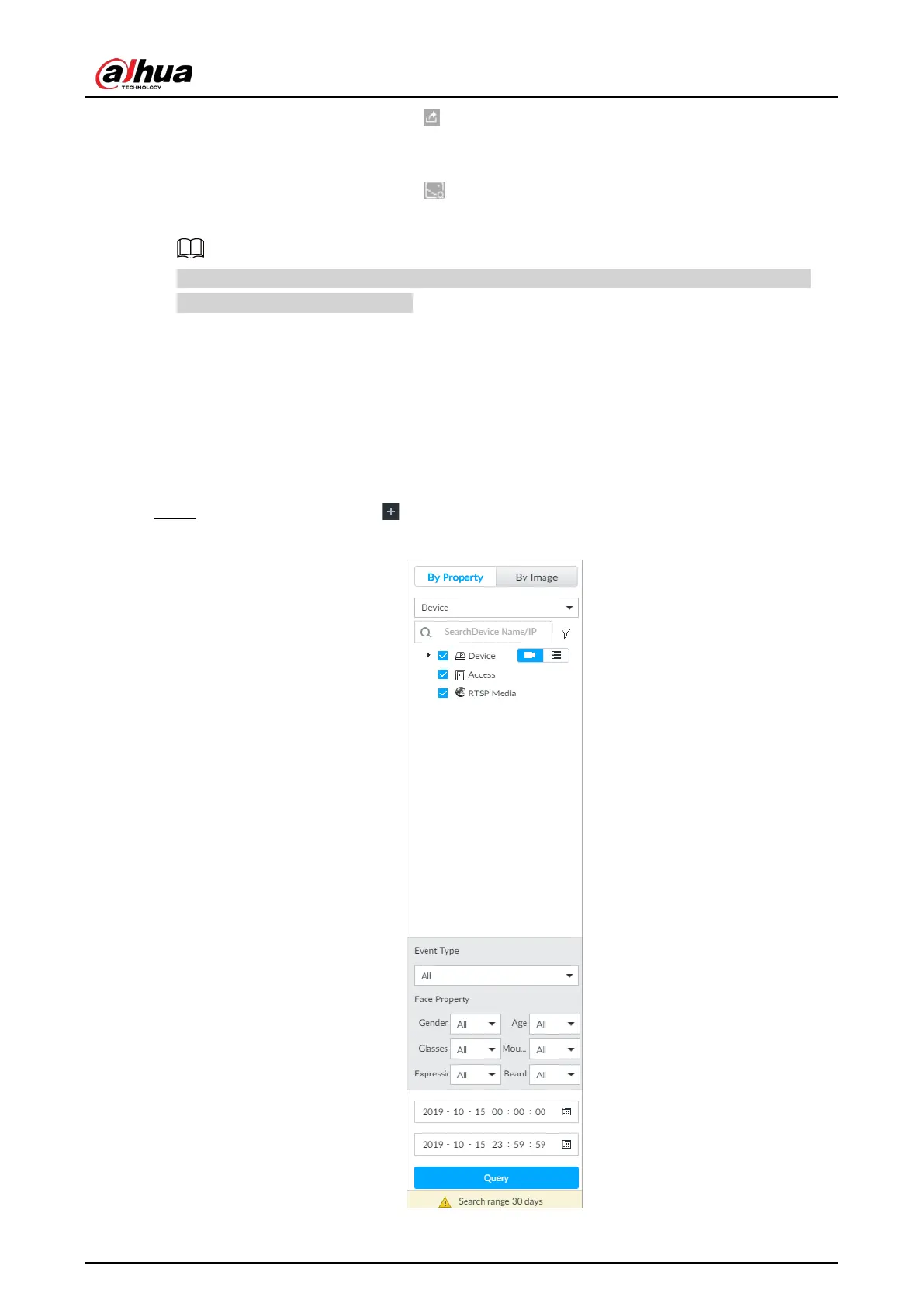
6.3.2.6.1 Searching by Property
Step 1 On the LIVE page, click , and then select AI SEARCH > Search by Face > By Property.
Figure 6-32 Search by property


 To Next Page
 Loading...


