User's Manual
94
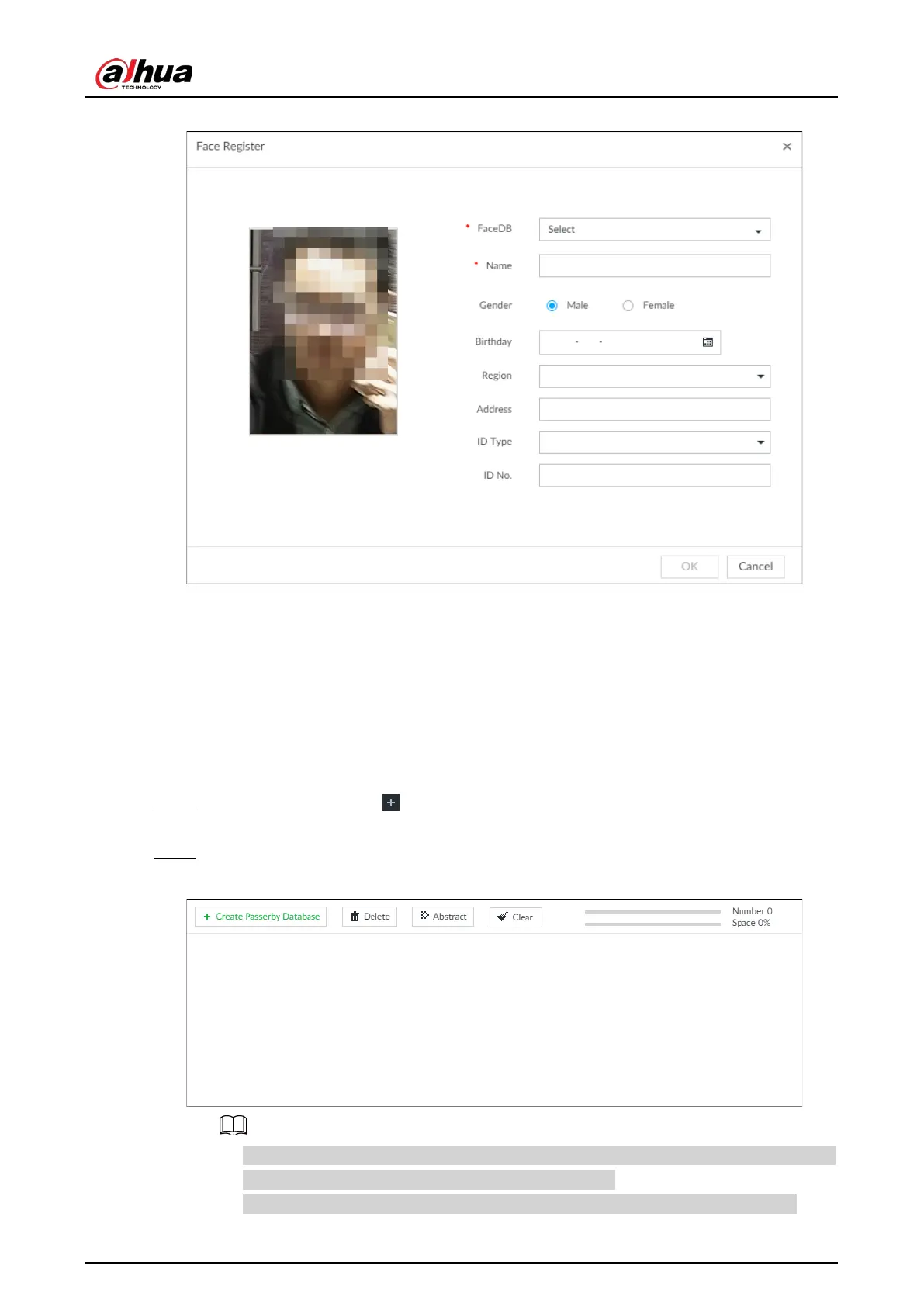
Figure 6-47 Face register
2. Select a face database, and fill in person information according to your actual situation.
3. Click OK to save the configuration.
6.3.3.4.4 Creating Passerby Database
If you configure an alarm to link passerby database, when the detected face is not in the face
database, system automatically captures the face image, and then save it to the passerby database.
Procedure
Step 1 On the LIVE page, click , and then select FILE > Face Management > Face Database >
PasserBy Database.
Step 2 Click Create Passerby Database.
Figure 6-48 Passerby database
●
Number: The proportion of the number of added face images in the face databases and
passerby databases to the allowed face images in total.
●
Space: The proportion of the space occupied by the face databases and passerby


 To Next Page
 Loading...


