User's Manual
55
2) Fill in and save the template file.
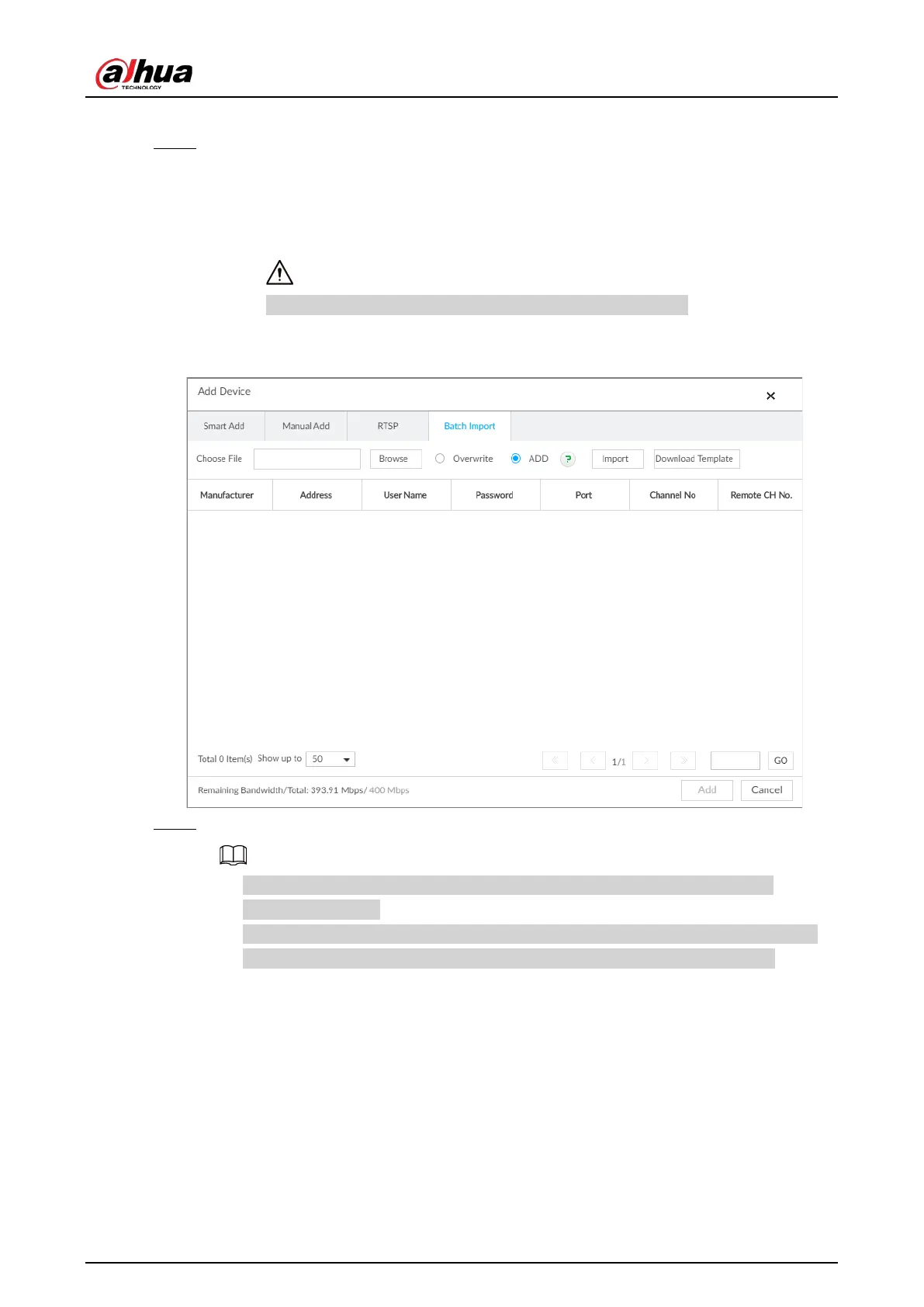
Step 4 Import template file.
1) Click Browse to select the file that you have filled in.
2) Select an import mode and then click
Import.
●
Overwrite: The system removes the added remote devices before importing new
devices.
If you select Overwrite, all the existing devices will be deleted.
●
ADD: The system imports remote devices without deleting the existing ones.
Figure 5-22 Batch import
Step 5 Select the remote device and then click Add.
●
If information about remote device is not filled in completely, improve it after
importing template.
●
If the system fails to add the remote device, check the reason on the
Status column,
change the remote device information and then click Retry to try to add again.


 To Next Page
 Loading...


