Spyder3 SG-34 GigE Vision Color Manual 39
Teledyne DALSA 03-032-20124-00
Pixel Format
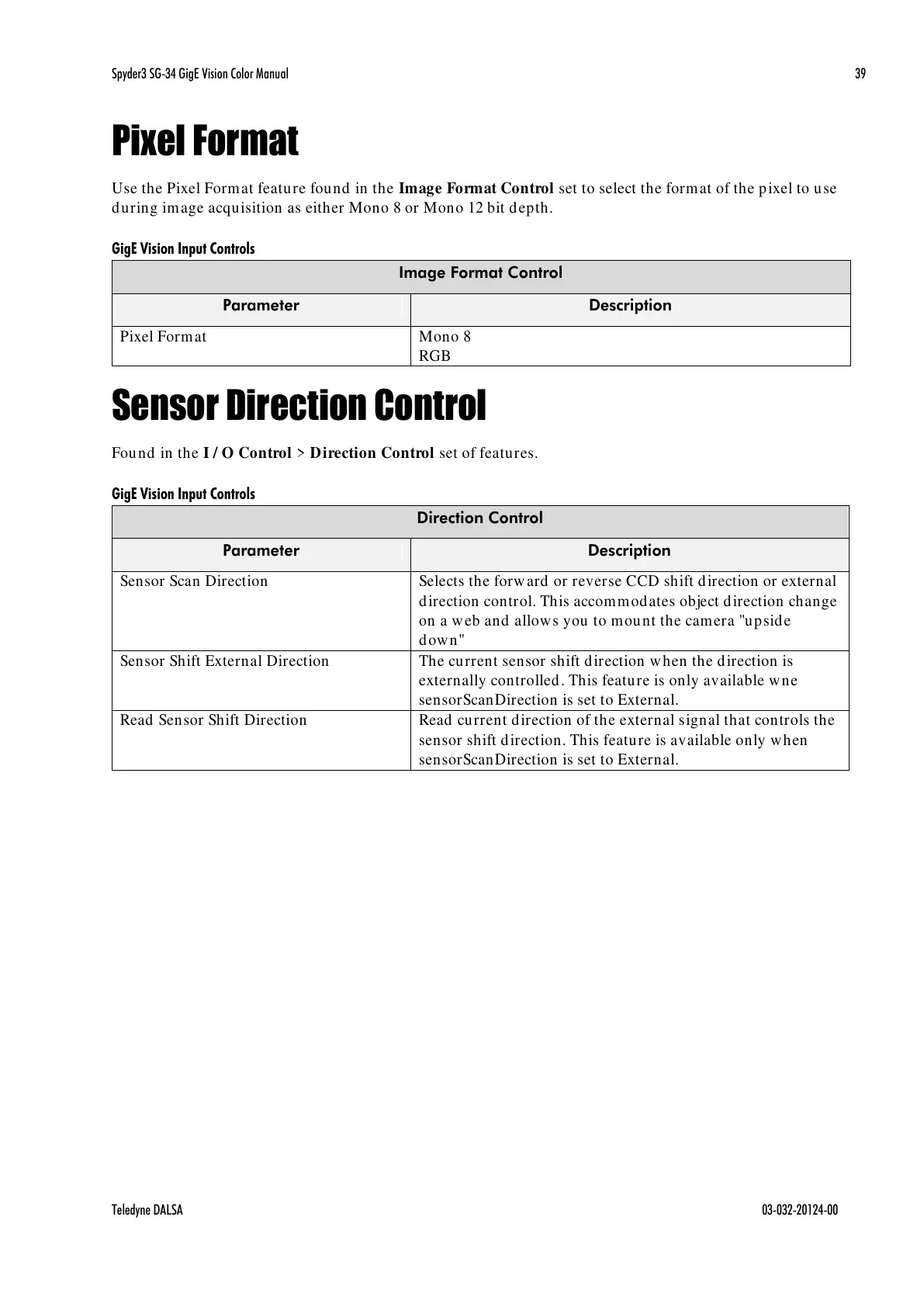
Use the Pixel Format feature found in the Image Format Control set to select the format of the pixel to use
during image acquisition as either Mono 8 or Mono 12 bit depth.
GigE Vision Input Controls
Sensor Direction Control
Found in the I / O Control > Direction Control set of features.
GigE Vision Input Controls
Selects the forward or reverse CCD shift direction or external
direction control. This accommodates object direction change
on a web and allows you to mount the camera "upside
down"
Sensor Shift External Direction
The current sensor shift direction when the direction is
externally controlled. This feature is only available wne
sensorScanDirection is set to External.
Read Sensor Shift Direction
Read current direction of the external signal that controls the
sensor shift direction. This feature is available only when
sensorScanDirection is set to External.
All manuals and user guides at all-guides.com



 To Next Page
 Loading...






