Manual Datafox Evo 4.3 Page 17 Date: 27.12.2017 V 04.03.09.XX
5.2.3. Display setup and bios of the Evo 4.3
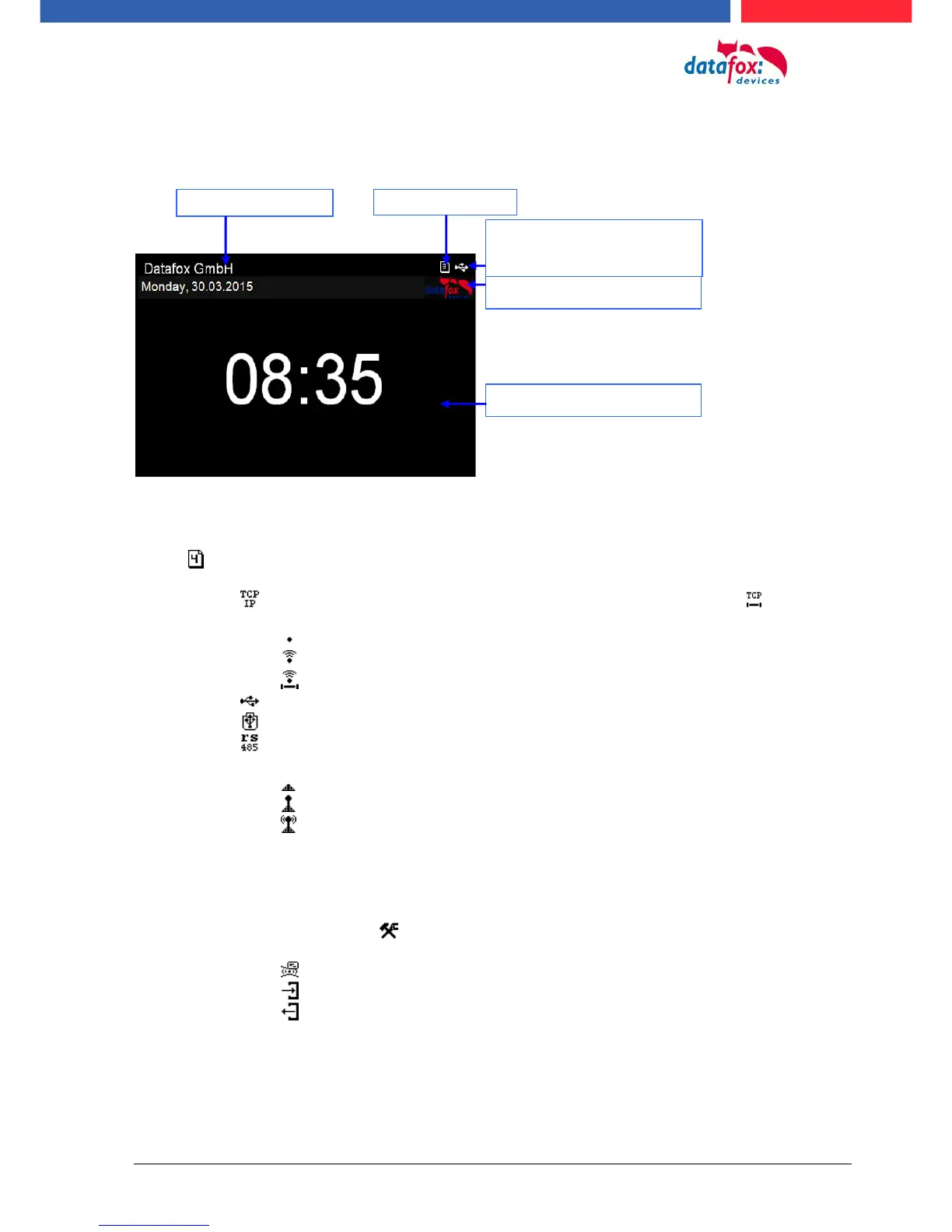
5.2.3.1. Structure display "Normal display"
Date Time corresponds to the system time of the device, which is also used for the data
records.
Number of records in memory (display up to 99, then 99+).
Communication field with symbols for:
o TCP /IP When this communication is active, this symbol is displayed .
o Wlan communication
WLAN as main communication
Wlan connected
Wlan Communication is currently active
o USB
o USB Host (Save the data to USB stick)
o RS 485
o GPRS With status display e.g.[33] See "Status messages on the display".
Mobile modem is off
Mobile modem is switched on, but no connection to the provider.
Mobile modem is switched on, connection to the provider exists.
Display on the display
o The header lines 1 and 2 of the setup are displayed in the main menu.
o The header lines 3 and 4 stored in the setup are displayed in menus and input chains.
o During the transmission of a setup or firmware update, the device enters the system stop and
displays this symbol „ Systemstop“ in this window.
o Display in the left part of the window:
= Transponder input (Accept value of transponder)
= Check in (coming) - booking
= check out (going) - booking



 To Next Page