Manual Datafox Evo 4.3 Page 96 Date: 27.12.2017 V 04.03.09.XX
5.7.6.2. Connecting the TS-series access reader
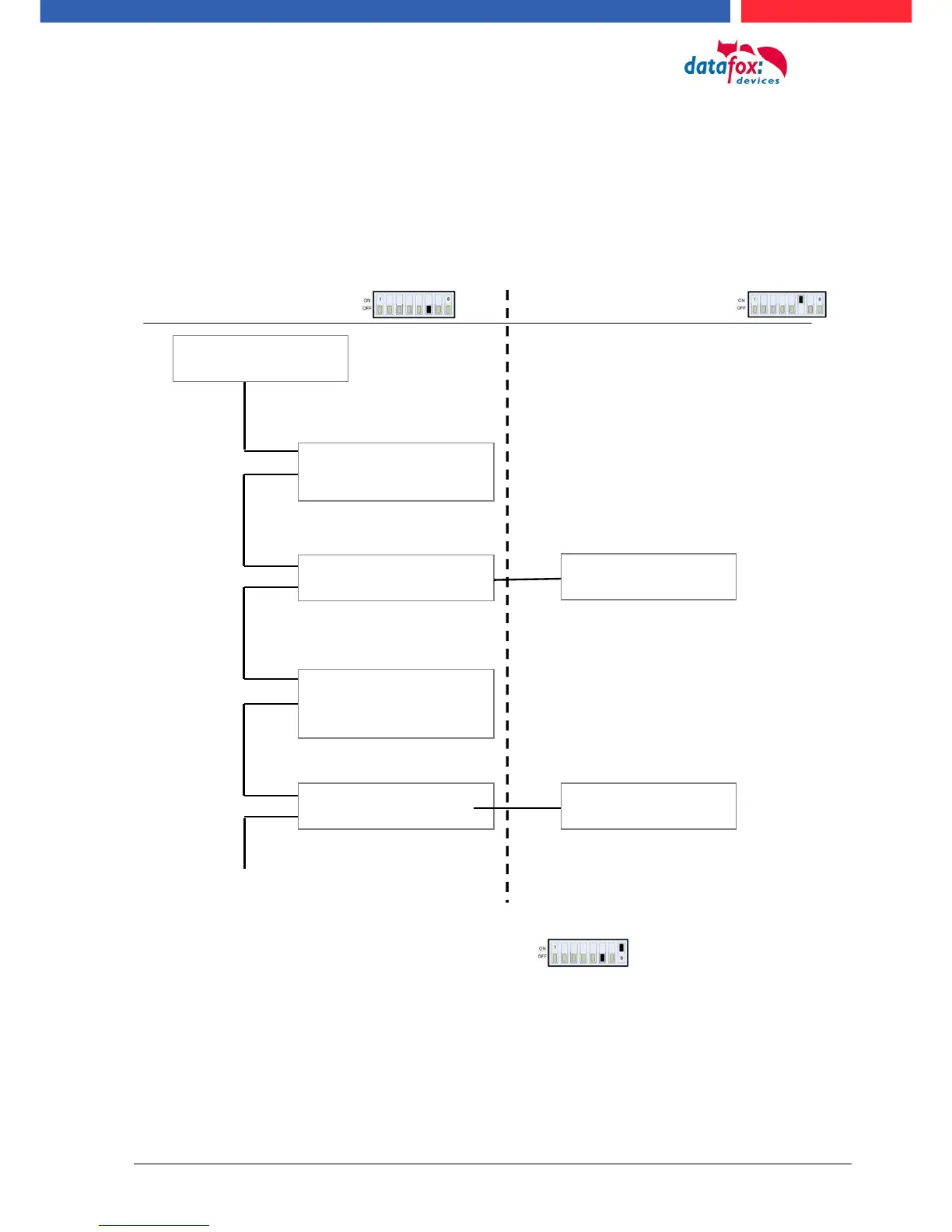
The following figure shows the possibilities for connecting the TMR33 devices to a PZE-MasterIV for
access control. The TMR33 devices have to be set depending on the interface used (RS232 or
RS485).
RS 485 RS 232
Settings of dip switch 6 Settings of dip switch 6
The DIP switches 1 - 5 are for bus configuration. Via the switches, the bus number of the device is
set. DIP switch 1 in position "ON" and switches 2 - 5 in position "‘OFF"’ stand for bus number "1".
DIP switches 1 and 2 in position "ON" and switches 3 - 5 in position "OFF" stand for bus no. "3".
More modules are possible.
PZE-MasterIV to 8 Modules
ZK-MasterIV to 16 Modules
Dip switch 8 is for terminate the RS485 bus line:



 To Next Page