EasyManua.ls Logo

Datafox Evo 4.3 - Location Selection in the Bios Menu WLAN; Recommended Setting

Default Icon
146 pages
Print Icon
To Next Page IconTo Next Page
To Previous Page IconTo Previous Page
Loading...
Manual Datafox Evo 4.3 Page 56 Date: 27.12.2017 V 04.03.09.XX
5.6.5.3. Location selection in the Bios menu WLAN
5.6.5.4. Recommended setting
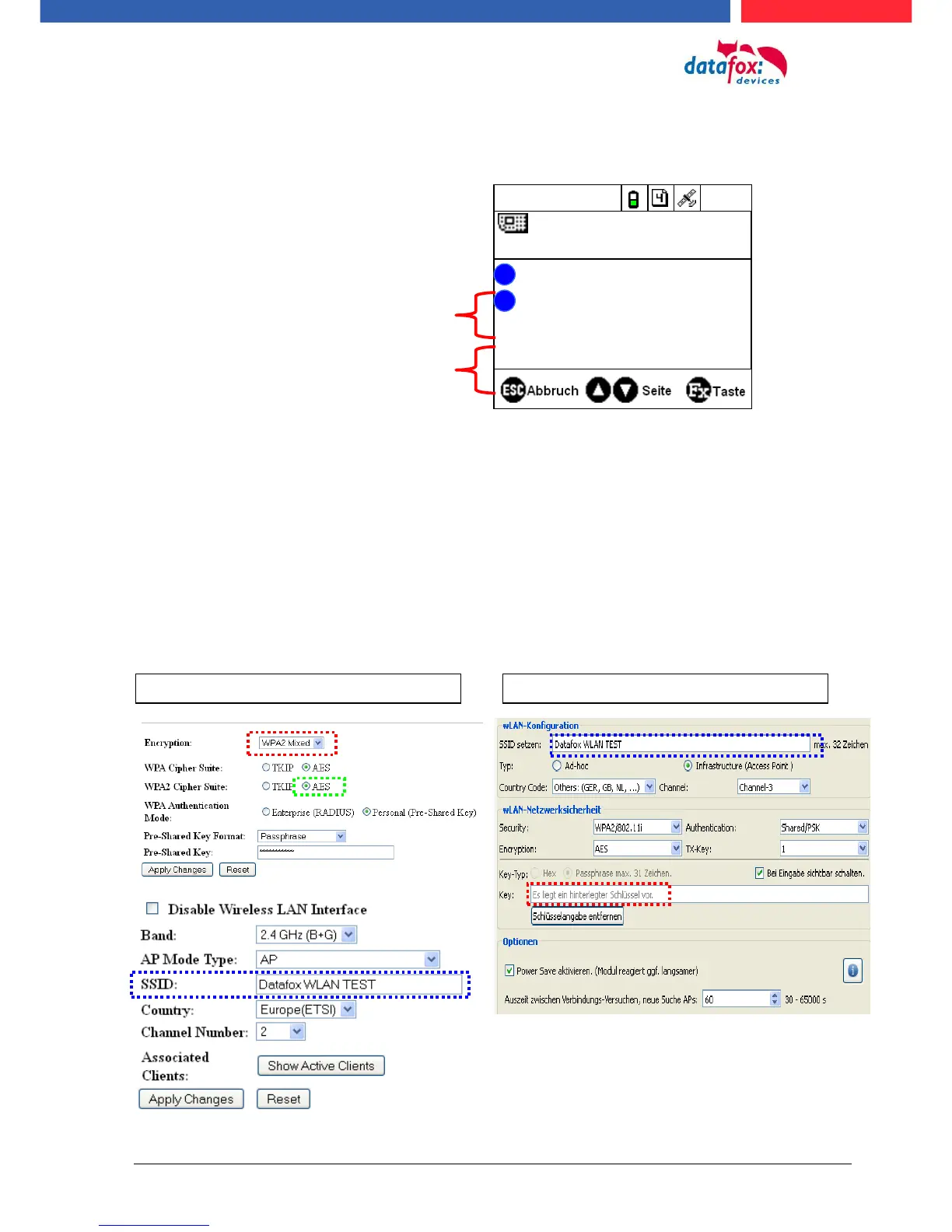
We recommend the following setting:
- WPA2
- AES
- Shared/PSK
Datafox uses the following access points internally for testing:
- Longshine LCS-WA5-45 IEEE802.11g
- WatchGuard XTM WEB UI
- Longshine IEEE802.11n
- TP-Link WR841N v6/v7 00000000
Setting StudioIV_WLAN-Device
Setting Access-Point
15.08.11 11:28:08
Datafox Support 74db
F1
F2
Datafox Gast 74db
Standort Geisa 86db
FA Muster 90db
Bios
Akt. Konfig.
?
?
All available WLAN networks are dis-
played in the Bios.
A configuration is stored for these networks
and can be selected.
These two networks were found by the
WLAN module, but there is no dial-in da-
ta available.

Table of Contents

Related product manuals