Manual Datafox Evo 4.3 Page 35 Date: 27.12.2017 V 04.03.09.XX
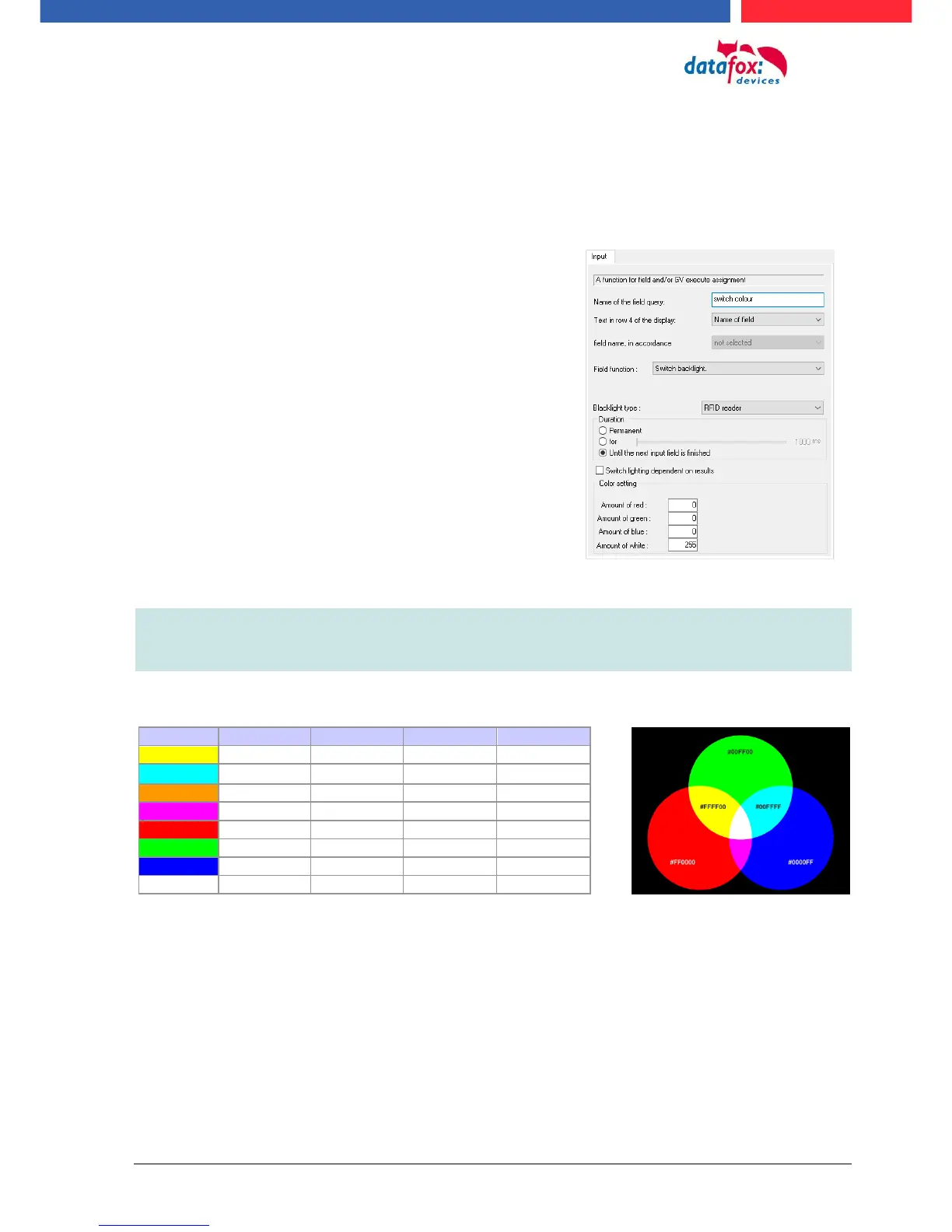
5.3. switch collours of the backligth
the follows backligths can you control via terminal setup:
► Backligth of the keboard (only in white in in 255 stepps)
► Backligth of the RFID-reader (RGB-colour and white in 255 stepps)
► Backligth of the company symbol (RGB-colour and white in 255 stepps)
Note:
The generated colors of the RGB Led's do not always correspond to the color perception
of the user. Please adjust the colors to your needs.
Help for the mixed colour:
Posibilitys to switch the backligth „Time“:
- Permanently, the lighting is switched immediately
according to the color setting or brightness and
maintained even after the execution of an input se-
quence.
-
- For a define time,
- Up to the next input field, after the end of the next
input field swith the backligth back to the settings
bevore.



 To Next Page