Manual Datafox Evo 4.3 Page 33 Date: 27.12.2017 V 04.03.09.XX
5.2.5.3. Create an cange the keys
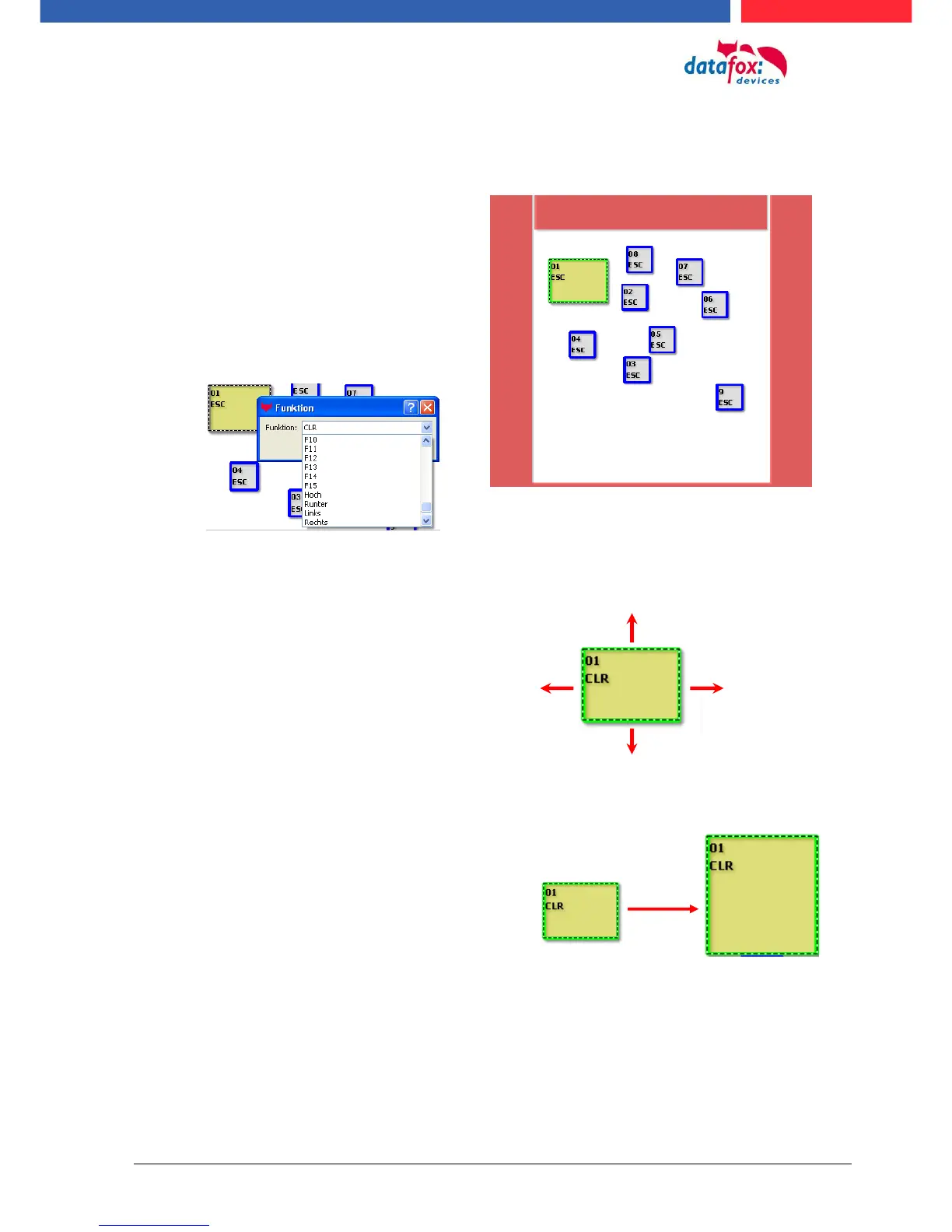
Change / define function:
Move key:
change the key size:
larger sideways: Shift+arrow right ()
greater height: Shift+arrow down ()
larger than two pages: plus button (+)
smaller sideways: Shift+arrow left ()
small height: Shift+arrow up ()
small two pages: minus key (-)
Mark the key to be edited with a click.
It then changes colour.
With a right click on the button, you
can select the function of the button.



 To Next Page