V0817, 8.1
8. Machine
8.1. Introduction
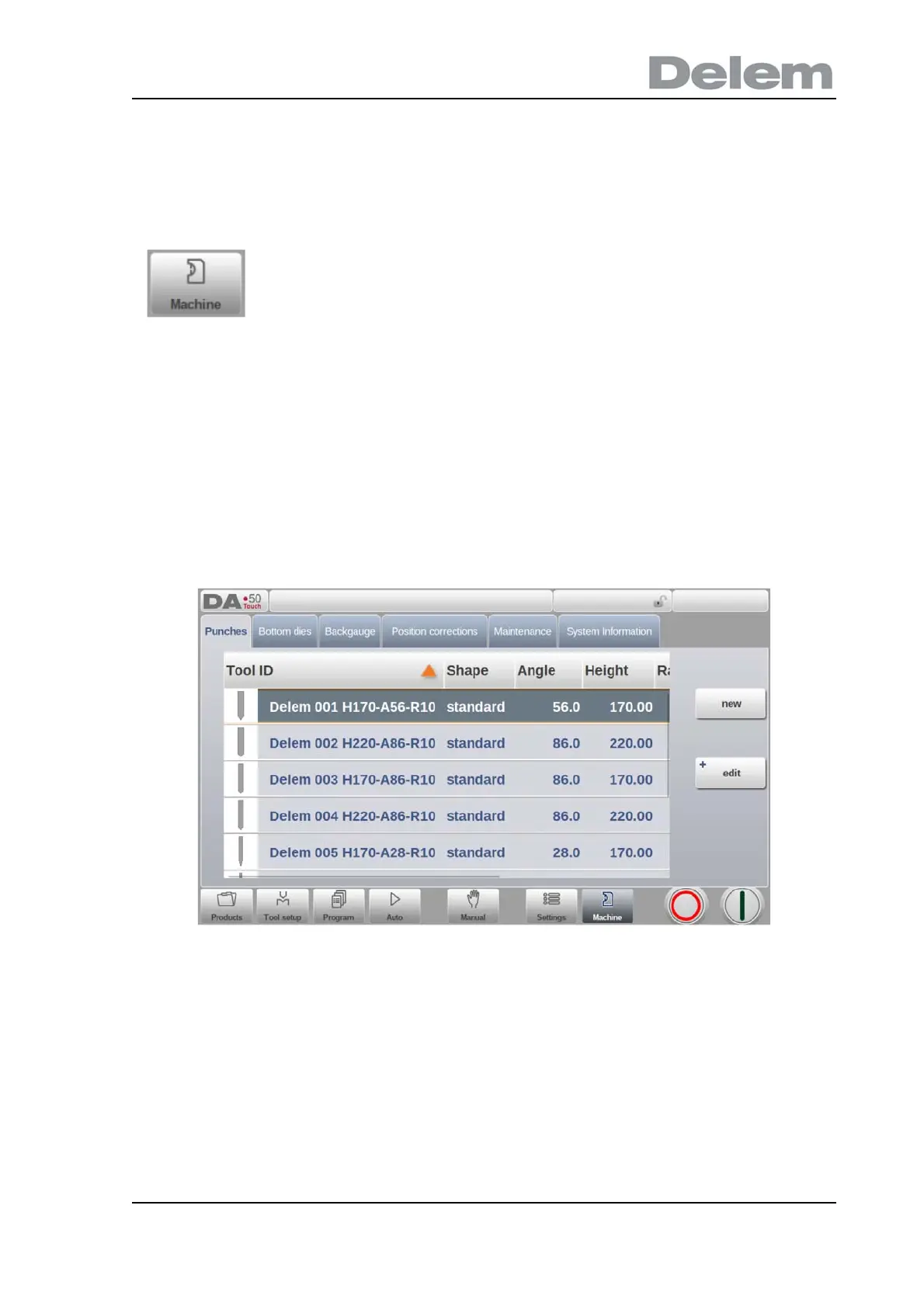
The Machine mode of the control, which can be found in the navigation panel, gives access to
the configuration items of the machine and specific machine characteristics which influence
generic calculations and machine behaviour.
The settings are divided across several tabs logically organizing the different subjects. In the
following sections the available tabs and detailed settings are discussed.
Navigation through the tabs can be done by just tapping them and selecting the required item
to adjust. Since there can be more tabs than the screen can show in one view, dragging the
tabs in horizontal direction enables to view and select all available tabs.
By tapping the navigation button Machine the control is switched to
Machine mode.



 To Next Page