V0817, 4.17
4.4. Programming parameters
Parameters in program mode can be programmed one by one. The effect of the parameter on
other parameters is automatically computed.
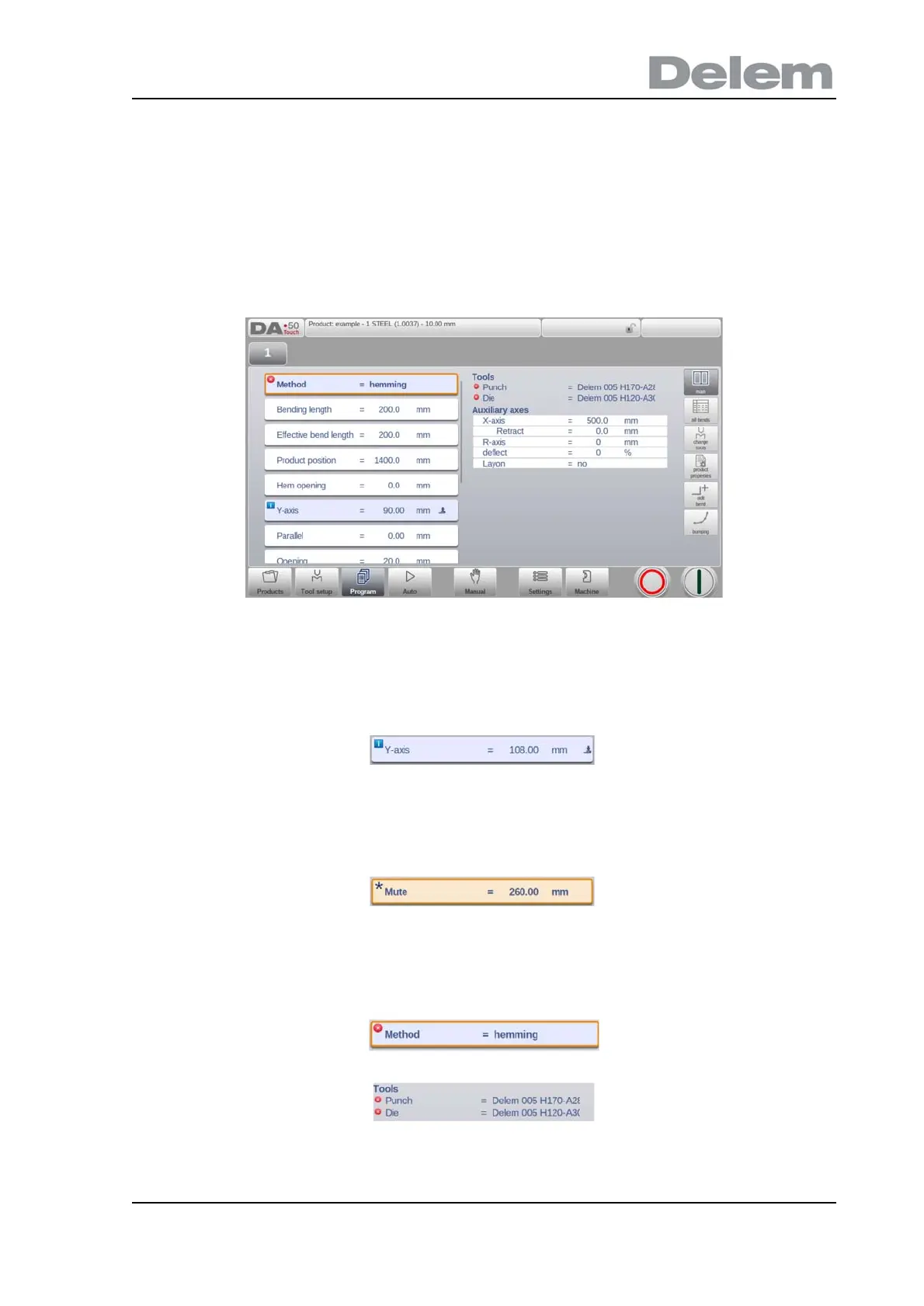
The relation between parameters is visualized with a symbol and a background color.
When an information symbol is shown with parameters after an edited value, this parameter
was changed due to the last changed input.
A star symbol is shown with parameters if the value of the parameter differs from the
calculated value by the control. This can be helpful if a value is intentionally programmed
different or if the value of a parameter is limited by the parameters limits.
An error symbol is shown with parameters if the value cannot be correct according to the
currently programmed values. This, eg. when a hemming bend is programmed with no
hemming tools programmed.



 To Next Page