V0817, 7.8
7.4.1. Product backup
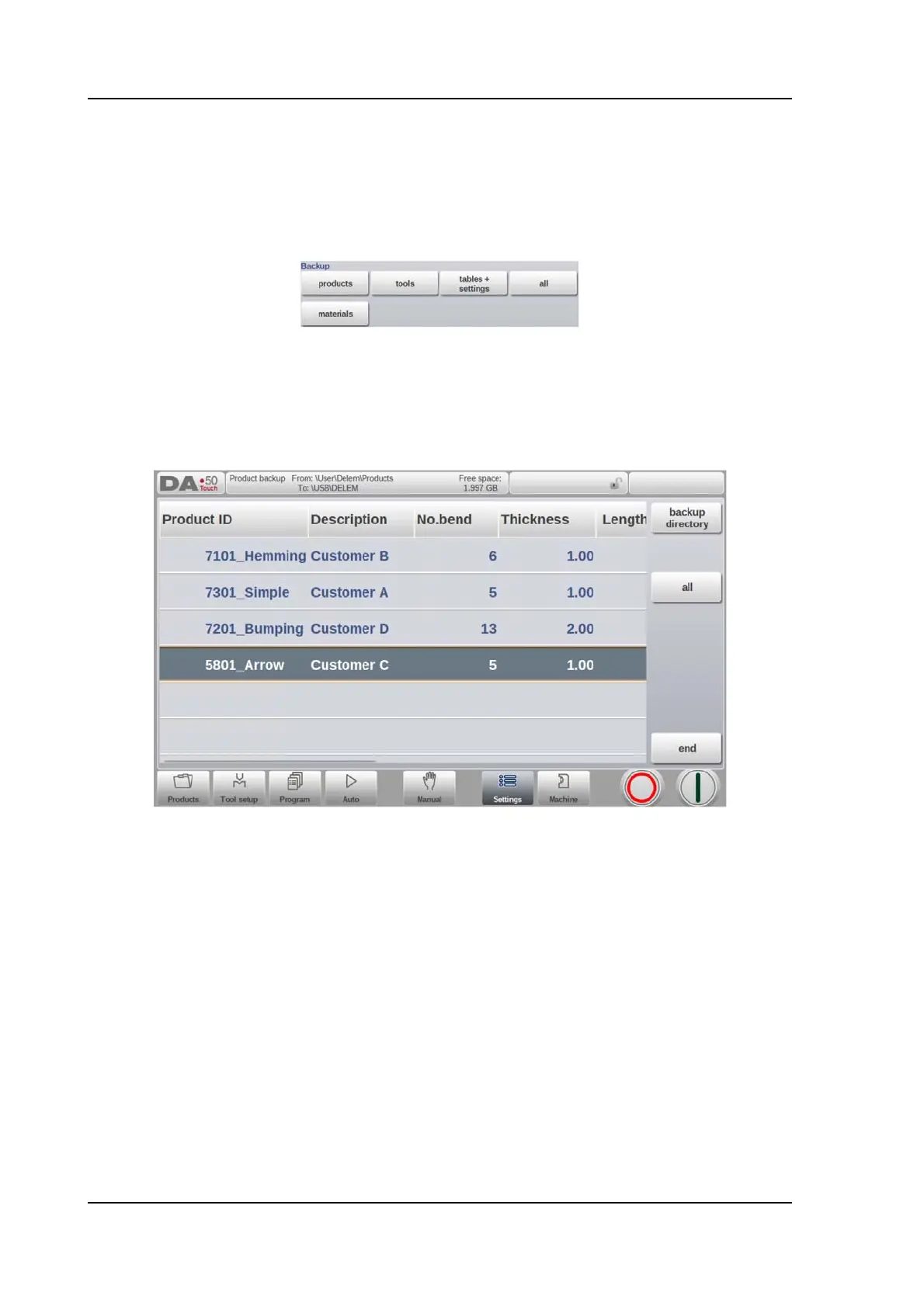
To make a backup of programs to disk, choose ‘products’ in the Backup section on the
Backup/restore page.
When the initial backup directory has been set, the products backup screen appears.
In the backup screen the products in the selected directory are shown.
Basic functions to change the view can be chosen similarly to the Products mode. This
enables to easily find the required products to be backupped.
At the top of the screen, the current source location is shown as well as the backup location.
To backup a product, select it by tapping, in the list. The backup marker will appear to confirm
the backup action. If a product file with the same name is present on the backup location, a
question is offered whether or not to replace that file.
To backup all products at ones, tap All.
The source where the products are located which have to be backupped can be changed with
Source Directory. The directory browser appears and the desired source directory can be
navigated to.
The directory where the products which need to be backupped need to go can be changed as



 To Next Page