V0817, 6.10
6.4. Manual movement of the axes
6.4.1. Movement procedure
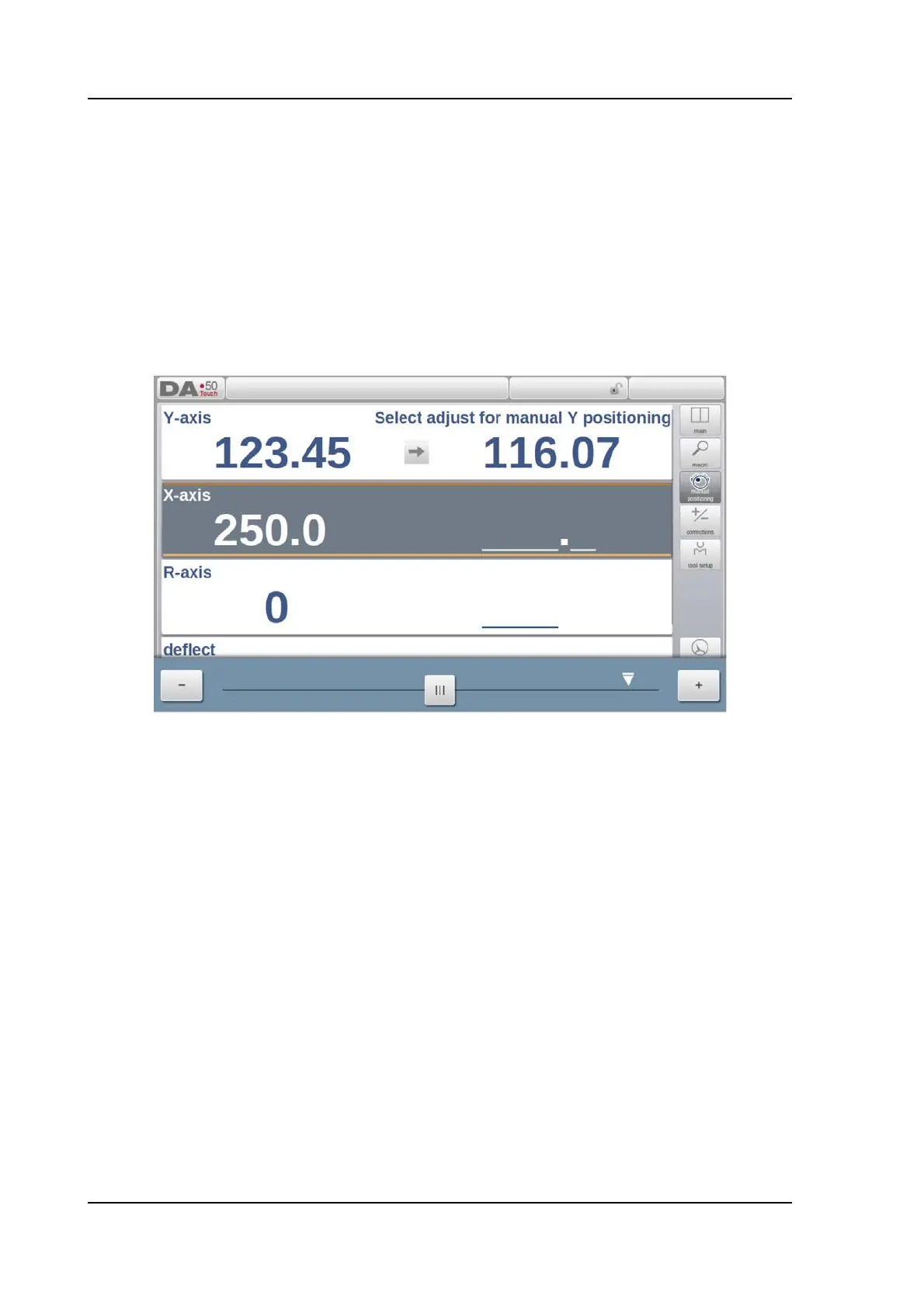
To move an axis to a specific position manually, the slider at the bottom of the screen, can be
used. After tapping Manual Pos in the main screen of Manual Mode, the following screen
appears:
Within this mode, any of the shown axes can be moved by moving the slider out of its middle
position. The procedure for moving the axis depends on the axis you wish to move. When
releasing the slider it will automatically return to its middle position.
Auxiliary axes
The control must be stopped (the Stop button is on).
First select the desired back gauge axis, you will see the cursor at the required axis.
Then you can move the axis by moving the slider.
Y-axis
The pressbeam can be positioned manually in the same way as the auxiliary axes.
However, for the Y-axis several conditions must be met:
• The control must be started (the Start button is on).
• The 'adjust' function must be active. If this function is not active a message is
shown in the upper right-hand corner.
• The Y-axis must be below mute-point.
• A pressing command must be given to the CNC.



 To Next Page