V0817, 5.1
5. Automatic mode
5.1. Introduction
In auto mode with the active program, production can be started. After entering Auto, the Start
button can be pressed and production can begin.
The automatic mode executes the program automatically bend by bend after pushing the Start
button. When selecting a different product in Products mode, which is in the library and has
already been used for production, one can immediately switch to Auto and start production.
Every time after a different bending program is selected you must check your tools and tool
positions in your machine. This is also indicated with a 'check tools' warning message when
you enter the automatic mode.
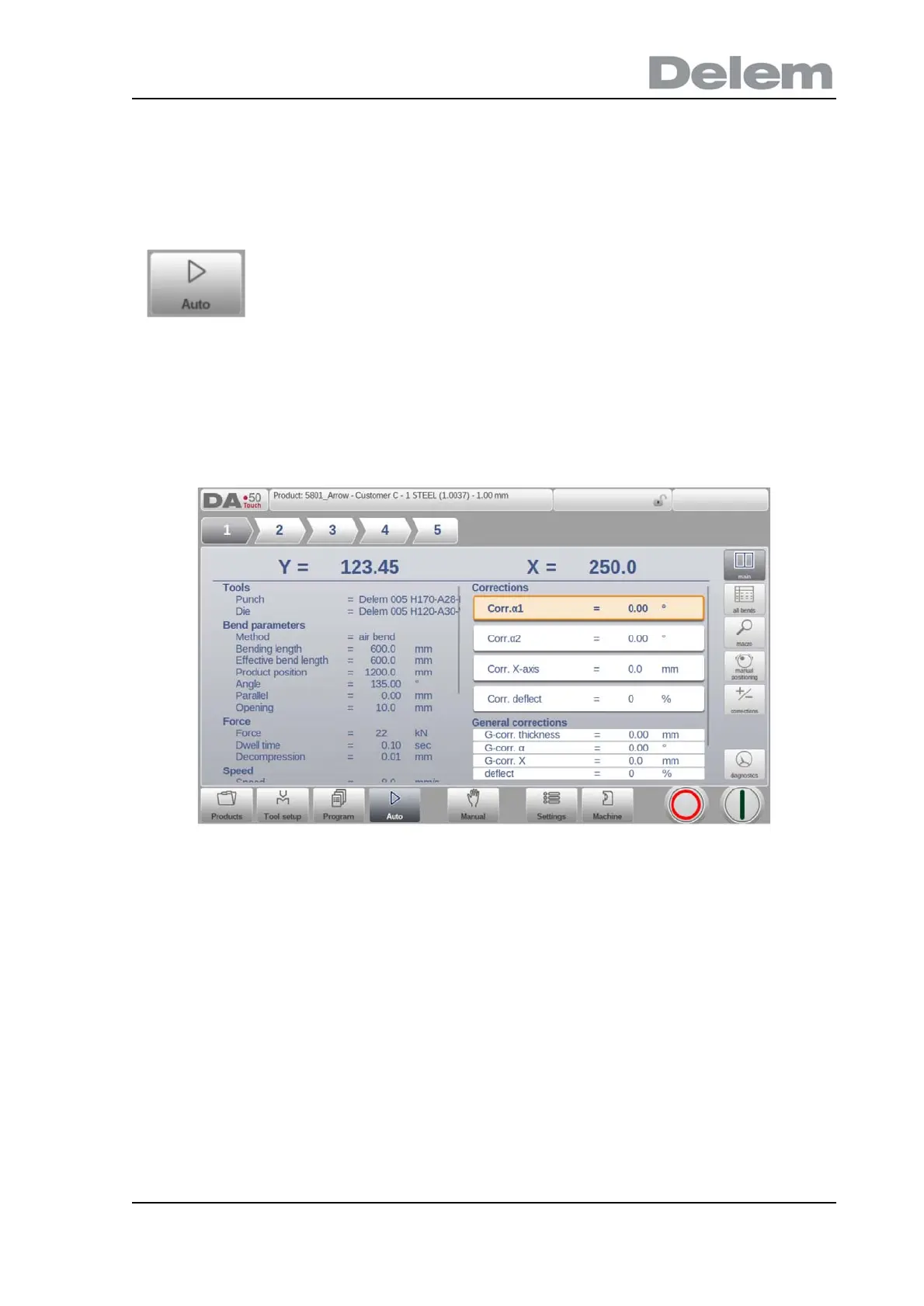
In the header of the Auto mode screen the selected product is displayed along with the
product description. At the top of the screen the bend selector shows the available bends in
the program. By tapping the prefered bend the bend can be selected. The start button can be
pressed to start from this bend. The details of the selected bend are shown in the available
views.
By tapping the navigation button Auto the control is switched to the
automatic production mode.



 To Next Page