V0817, 5.12
5.3. Bumping correction
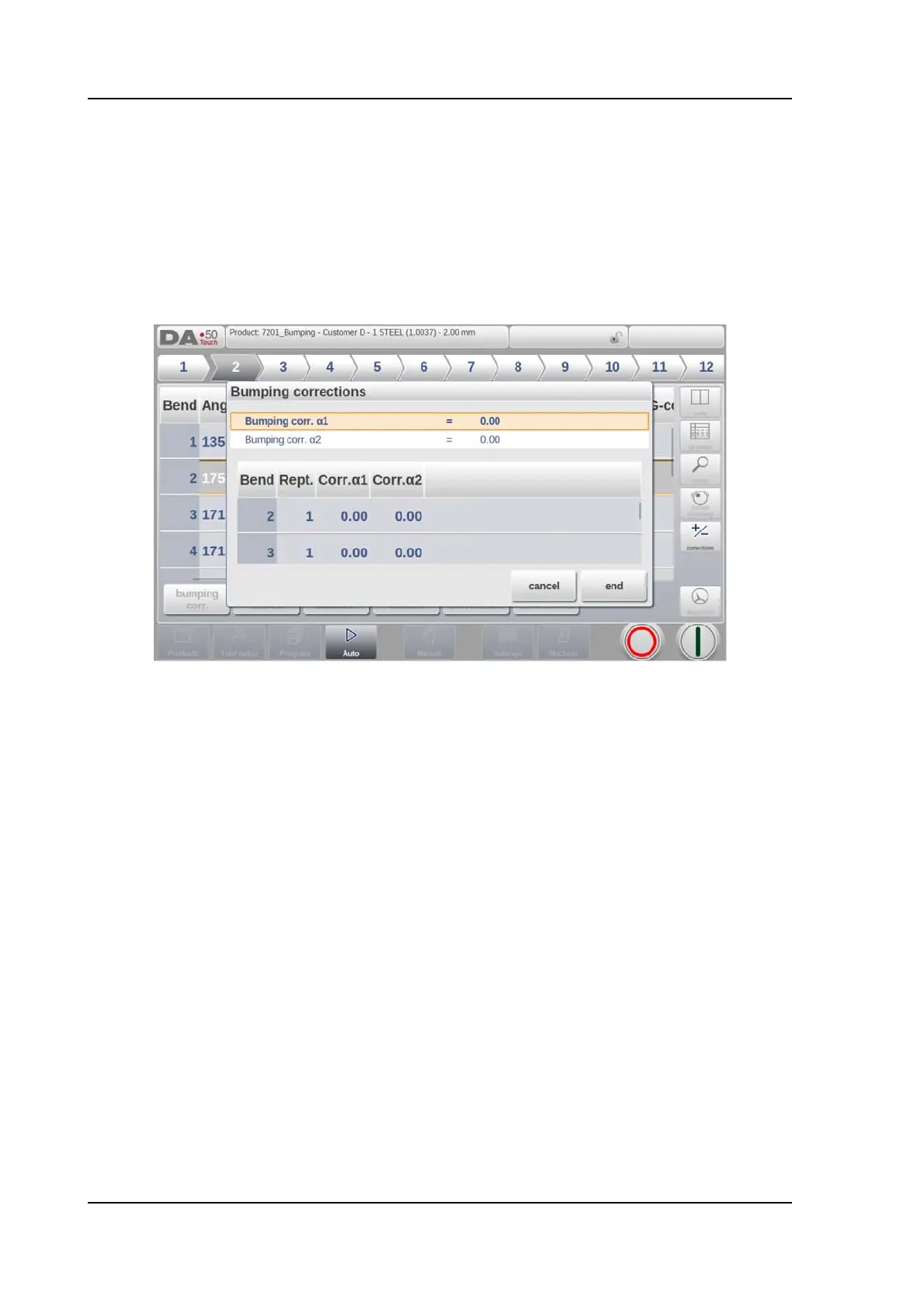
In case of a selected bumping bend a general correction for a bumping bend can be entered.
This function is only available if a product is loaded that contains a bumping bend.
With Bumping Corr. a new window appears in which the correction can be entered.
When the general correction of an angle is altered, all individual corrections are recalculated.
When any of the individual corrections is altered, the general correction is recalculated.
Bumping corrections can be programmed independently for both sides,
1 and 2.
If a bumping correction for
1 is entered then this value is, dependent on the settings
parameter 'Angle correction programming', copied to the bumping correction for
2, or
keeping the delta between both bumping corrections, or not influencing the bumping
correction for
2. Subsequently all separate corrections for 2 are recalculated. To change
correction values of
2, use bumping correction 2 or one of the separate corrections of 2.



 To Next Page