V0817, 8.12
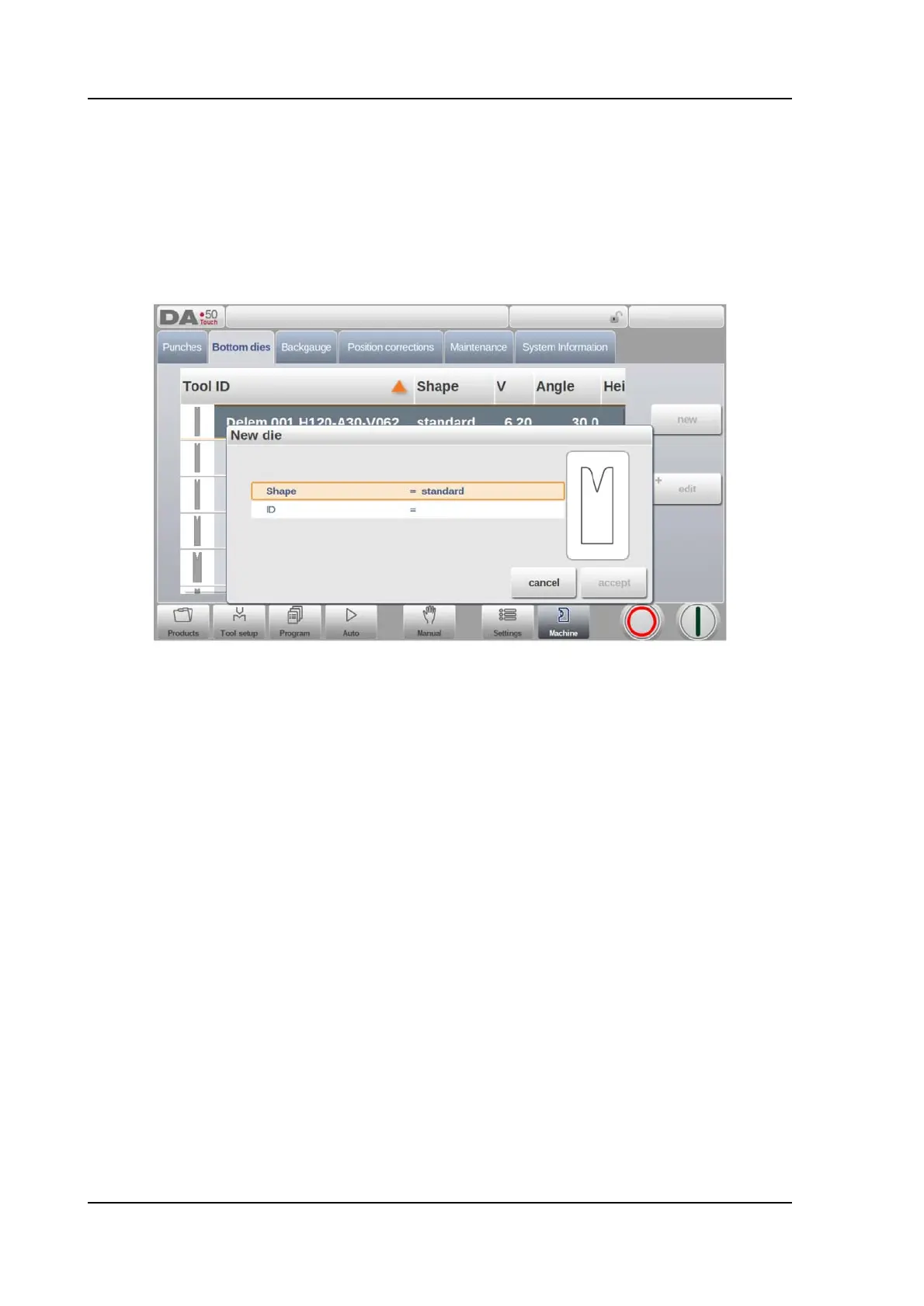
8.3.1. Create a new die
To create a new die, tap New in the library. The die profile can be created with help of the
programming facilities of the control.
First the shape of the die and its ID must be programmed. After that the shape details must be
programmed following the wizard.
Shape
A selection must be done from the different available basic die shapes corresponding to
the required die action. Options are:
• Standard Die shape as normally used for air bending and basic bottoming.
• Hem Bend Die as typical tool with flat top for specific hem bends.
• Inside Hem Bend Die as tool for air bends and hem function.
• Air + Hem Bend U Die shape for air bends and specific hem function.
ID
A unique name or number to identify the tool. The maximum length is 25 characters.
The ID parameter may also contain alphanumeric characters. When finished, use Accept to
leave this window and start with the tool data parameters. The control will prompt a window for
the tool properties with the dimensions of the tool.
Depending on the chosen basic shape, the parameters will differ. In the following paragraphs
the available die shapes are described in detail.



 To Next Page