V0817, 6.6
6.1.2. Tool setup
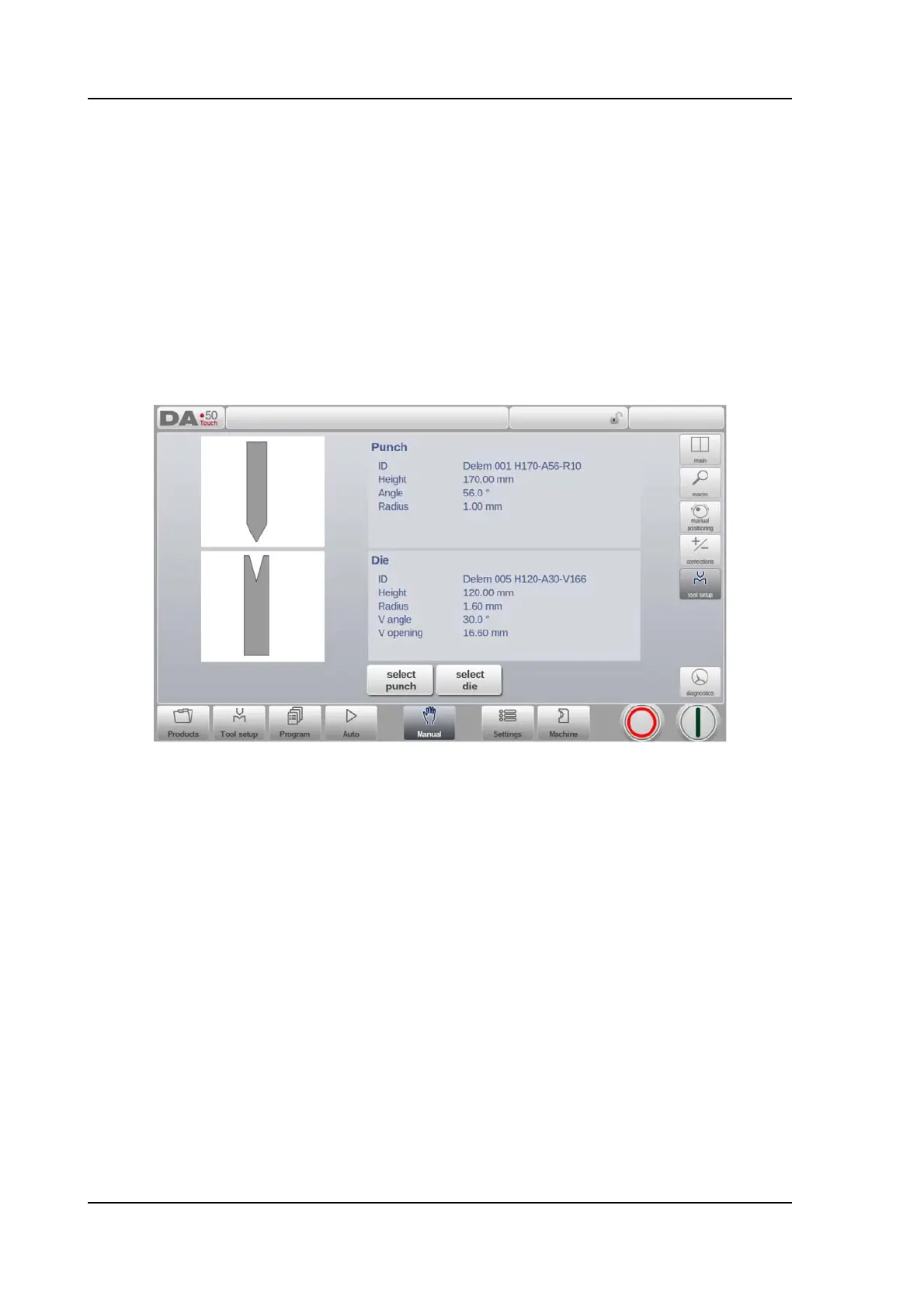
The programming of the tool setup in Manual mode is similar to programming the tool setup
which is used in Automatic mode. Despite the fact that both modes do not share the same tool
setup (enabling the usage of a complete different tool setup), the tool setup of Automatic
mode could be used in Manual mode as well.
While switching from Automatic mode to Manual mode, the control offers the user to use the
same tool setup in Manual mode and thus also the user is warned that in case differently
programmed, one should be careful.
In the tool setup menu tools can be added or removed, similar to the main Tool Setup mode as
described in chapter 3.
Adding tools ( Punches / Dies )
Same as in Tool Setup, via the Add function tools can be added.



 To Next Page