V0817, 2.1
2. Products, the product library
2.1. Introduction
2.1.1. The main view
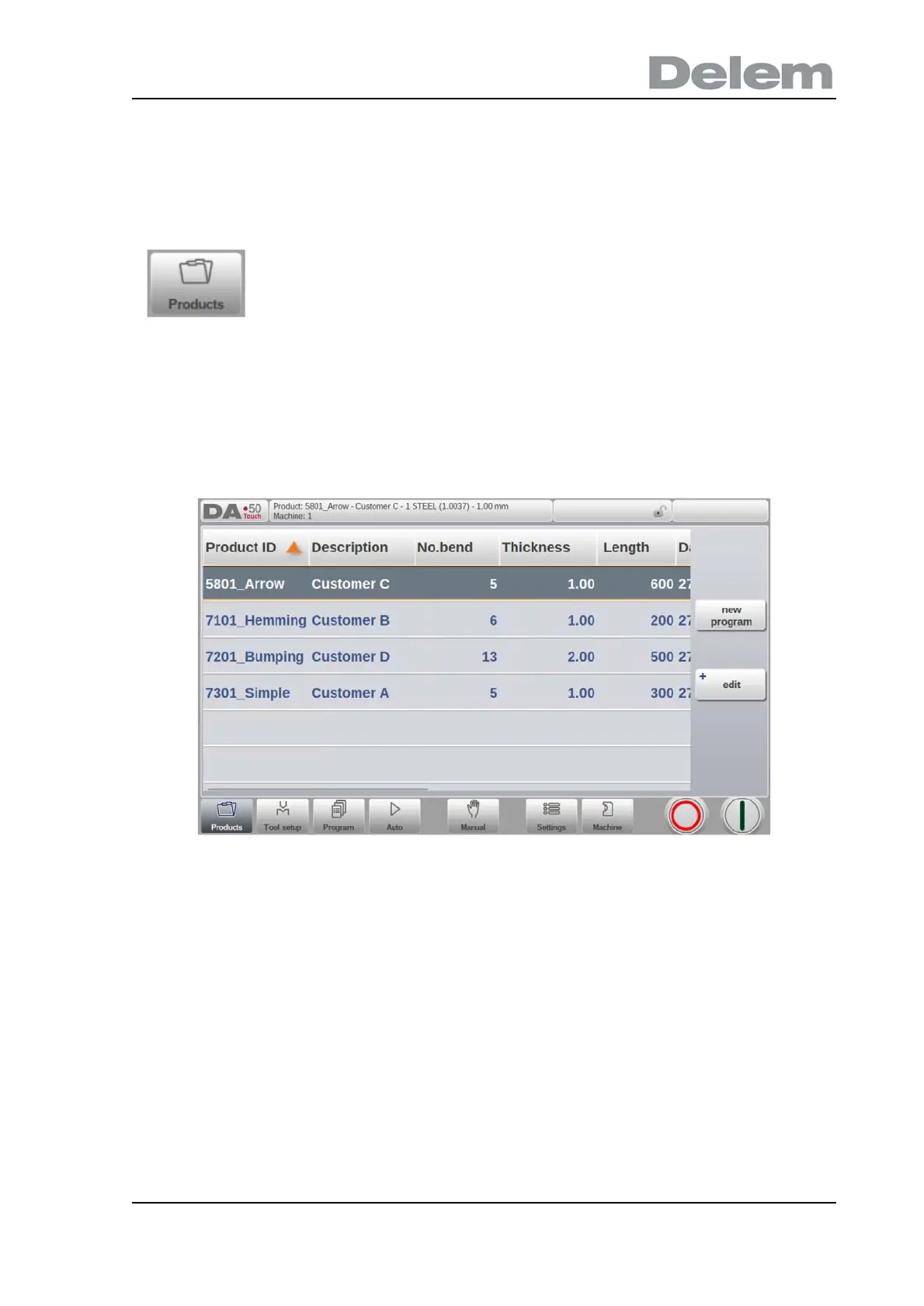
In Products mode an overview is given of the program library on the control. In this mode a
product program can be selected (loaded). After that a program can be modified or executed.
Each item in the list consists of its Product ID, the Product Description, the Number of bends
in the product and the Date it was last used or modified.
If a product program is already active its ID is shown in the top of the screen. A program can
be loaded by tapping the product ID or any other part of the product's line.
When there are more products than can be visualised in the screen simply drag the list in the
upward direction until the product is visible. From then again a single tap on the product
selects the product and activates it in the control.
In the Products mode existing, previously produced, products can
be selected to start production or for modification in order to make a
similar product. To start making a new program New Program can
be used from this mode.



 To Next Page