V0817, 1.13
1.6.6. Messages centre
When messages are displayed coming from PLC, Safety systems or the Sequencer, these
messages can be ‘send’ to the 'Messages centre'. When a message is displayed
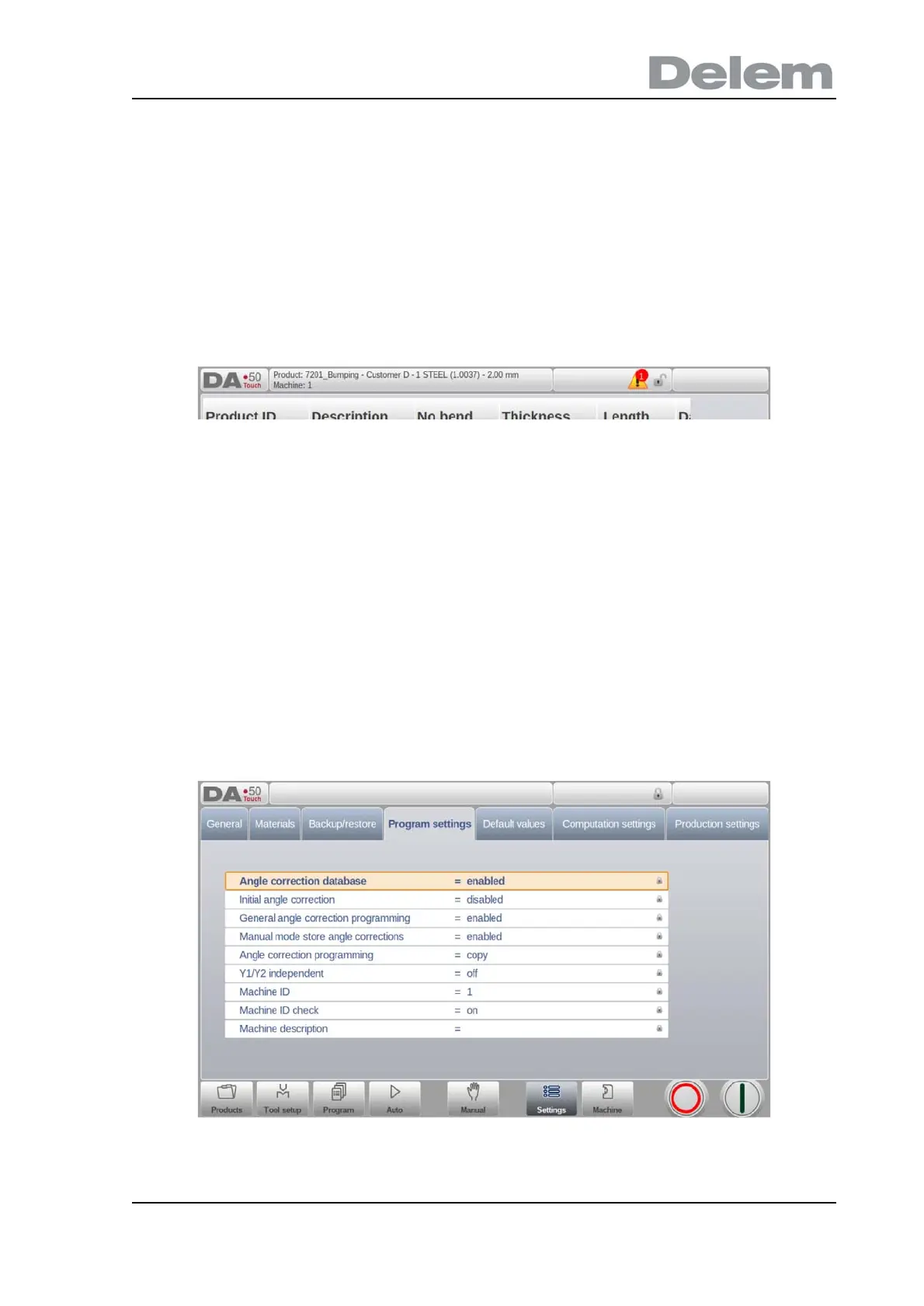
simultaneously the message centre symbol is shown in the top row of the page header, next
to eg. the keylock symbol. When tapping this message centre symbol the messages are taken
from the screen, giving way for normal programming and editing. When tapping again the
actual messages are shown.
When messages are in the background, the message centre symbol has an extra indicator to
show new incoming messages which are not yet shown.
1.6.7. Keylock function
To prevent for changes to products or programs, the keylock function offers the possibility to
lock the control.
There are two levels of locking the control. Program Lock and Machine Lock.
• In Program Lock, only a product can be selected and executed in Automatic mode.
• In Machine Lock, the machine is locked and the control can not be used.
To lock a control just tap the lock symbol in the top of the screen. Depending on the code
which is used, the control will be in Program Lock or Machine Lock. Program Lock wil show a
closed lock in grey. Machine lock will show the same lock but colored (red).



 To Next Page